
Action & 360 cameras
Insta360 X5: the best functions for 360° video
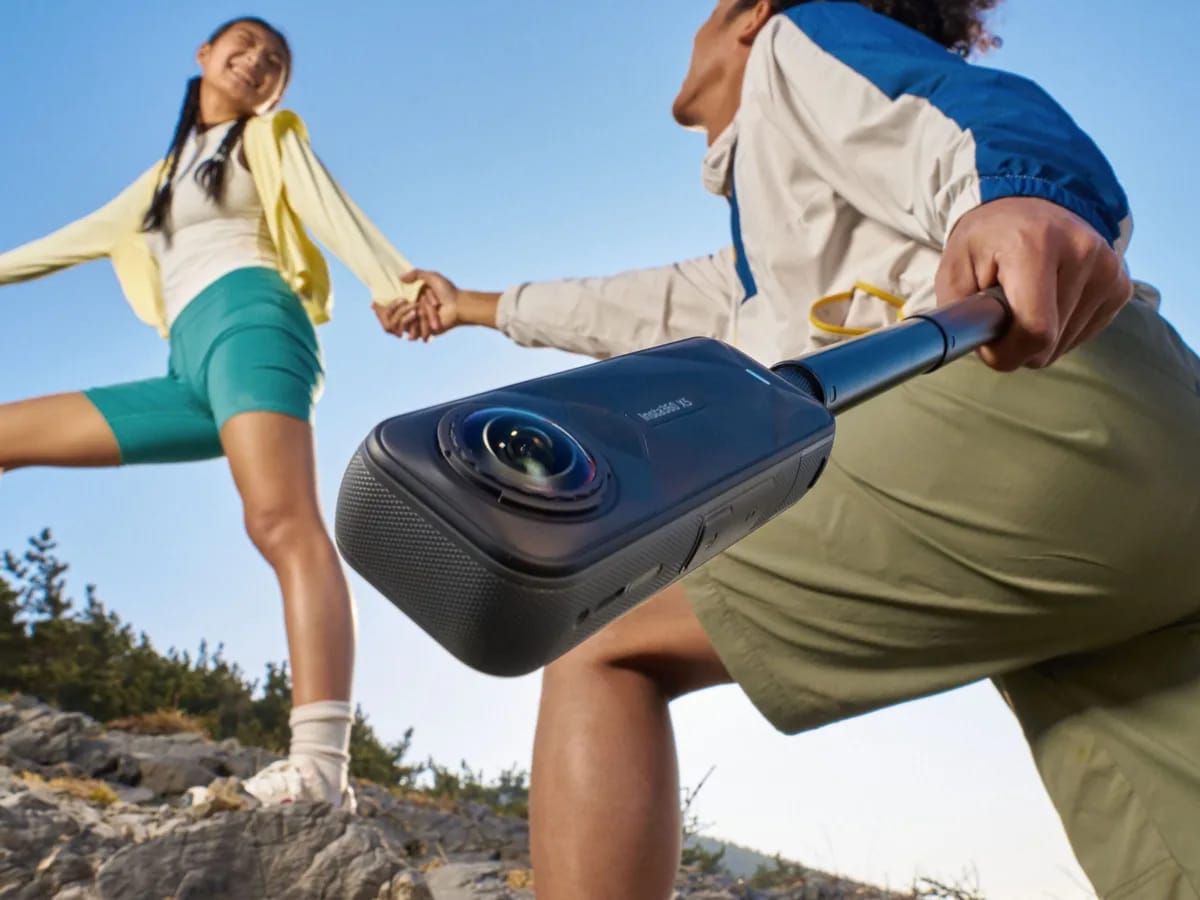
360° video is no longer reserved for studios. With a camera like the Insta360 X5, any enthusiast can capture an entire scene in a single shot, then choose the framing angle after filming. Athletes, travelers, vloggers: this technology opens up an immense playing field for immersive and spectacular content. You still need to know its key functions and know how to use them. Here is our guide to getting the most out of 360° video, without having to invest heavily through rental.
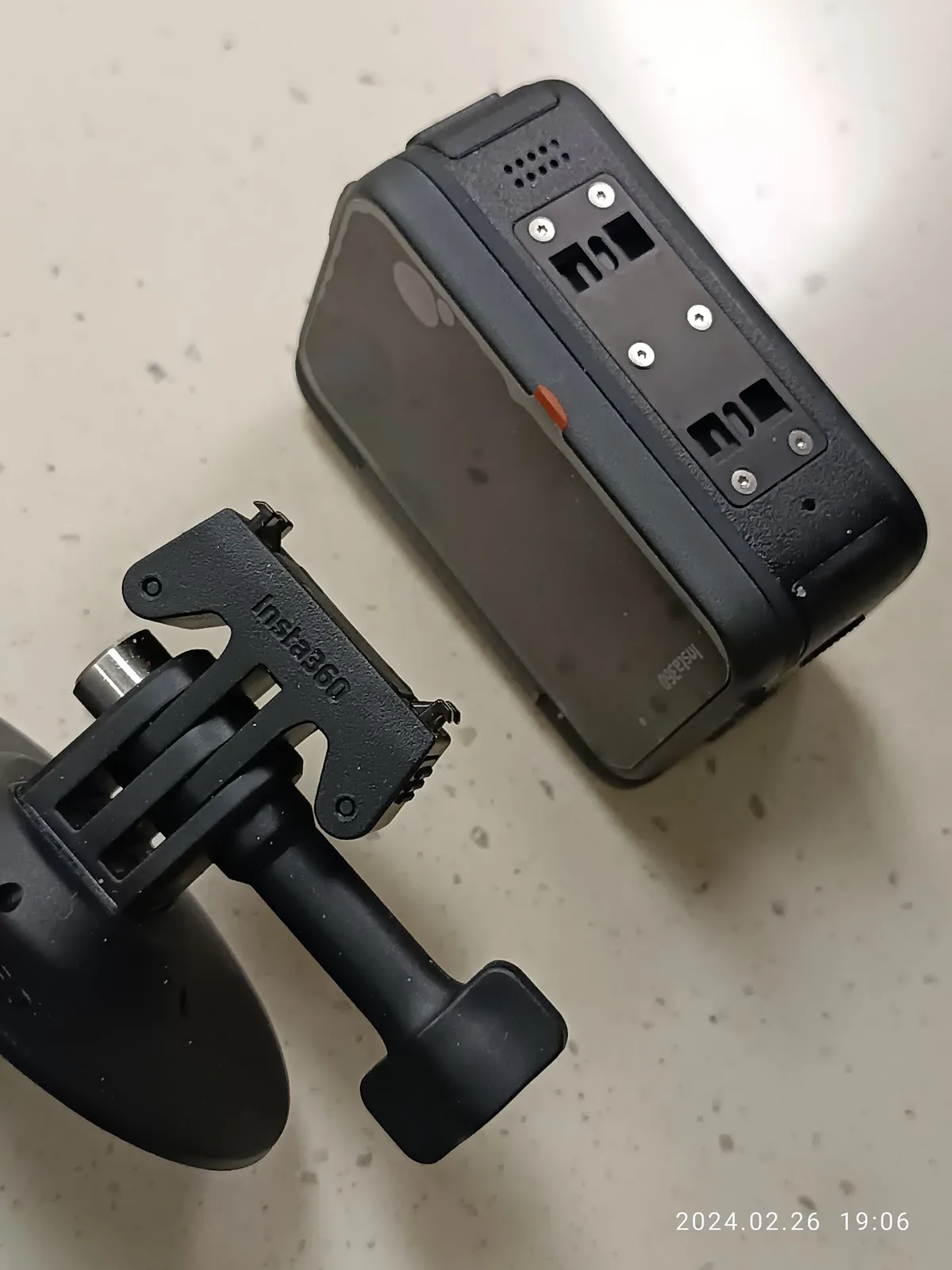
Why 360° video is a game changer
With a 360° camera, you no longer choose the frame when filming: you capture the entire environment and then decide which angle to highlight. This is called reframe. Concretely, you can follow a moving subject, create camera effects impossible to achieve otherwise, or transform a simple walk into a dynamic shot. This freedom in post-production is the great strength of the 360° format.
Functions to know before shooting
For excellent results, a few adjustments and principles deserve your attention:
- Stabilization: modern electronic stabilization systems eliminate most of the tremors, making the mechanical stabilizer often superfluous, even in full action.
- The reframe: reframe your 360° shot after the fact to choose the perfect angle, create fluid pans or follow a subject automatically.
- Invisible selfie stick mode: the stick blends into the image, giving the illusion of a drone following you.
- Creative effects: tiny planet, immersive transitions and orbital planes to give depth to your videos.
Adjust resolution and fluidity correctly
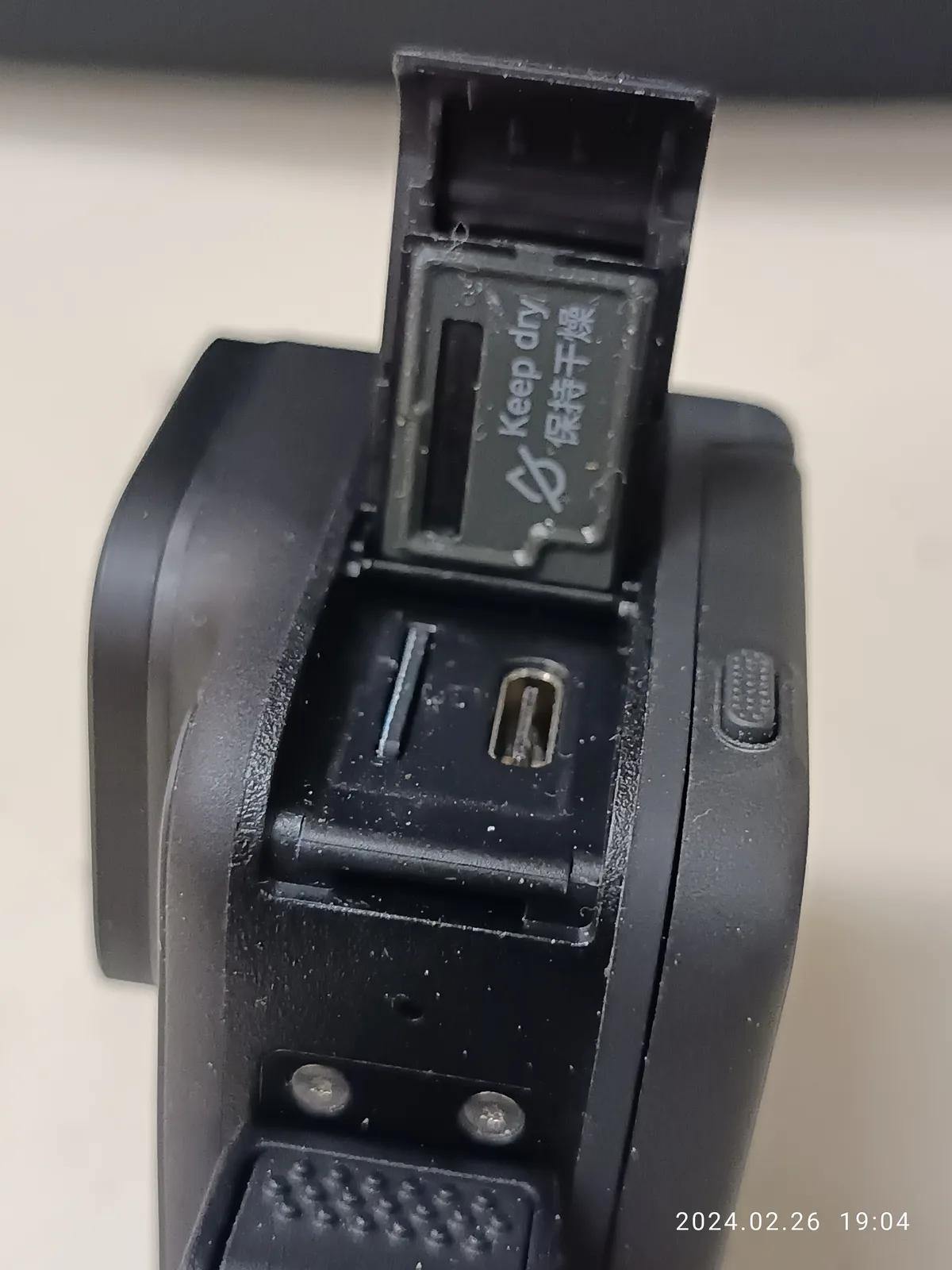
The choice of resolution depends on your end use. For social networks, an intermediate resolution is more than sufficient. For a more demanding rendering or a large screen, increase the resolution in order to maintain a comfortable cropping margin, essential in 360°.
The framerate determines the fluidity and the possibility of slow motion:
- 24/25 fps: cinematic rendering
- 30 fps: standard for web and TV
- 60 fps: controlled slow motion, ideal for sports
- High framerates: for very fast movements and marked slow-motion
Filming techniques for spectacular shots
A few simple reflexes immediately raise the quality of your videos. Vary the angles: place the camera on the ground, play from a low angle, attach it to a helmet or harness for new perspectives. Take care of the light by favoring the golden hours, at sunrise and sunset, and avoid high noon which flattens the images. Finally, think about your movements in advance: in 360°, everything around you is filmed, including your own movements.
Assembly, a decisive step
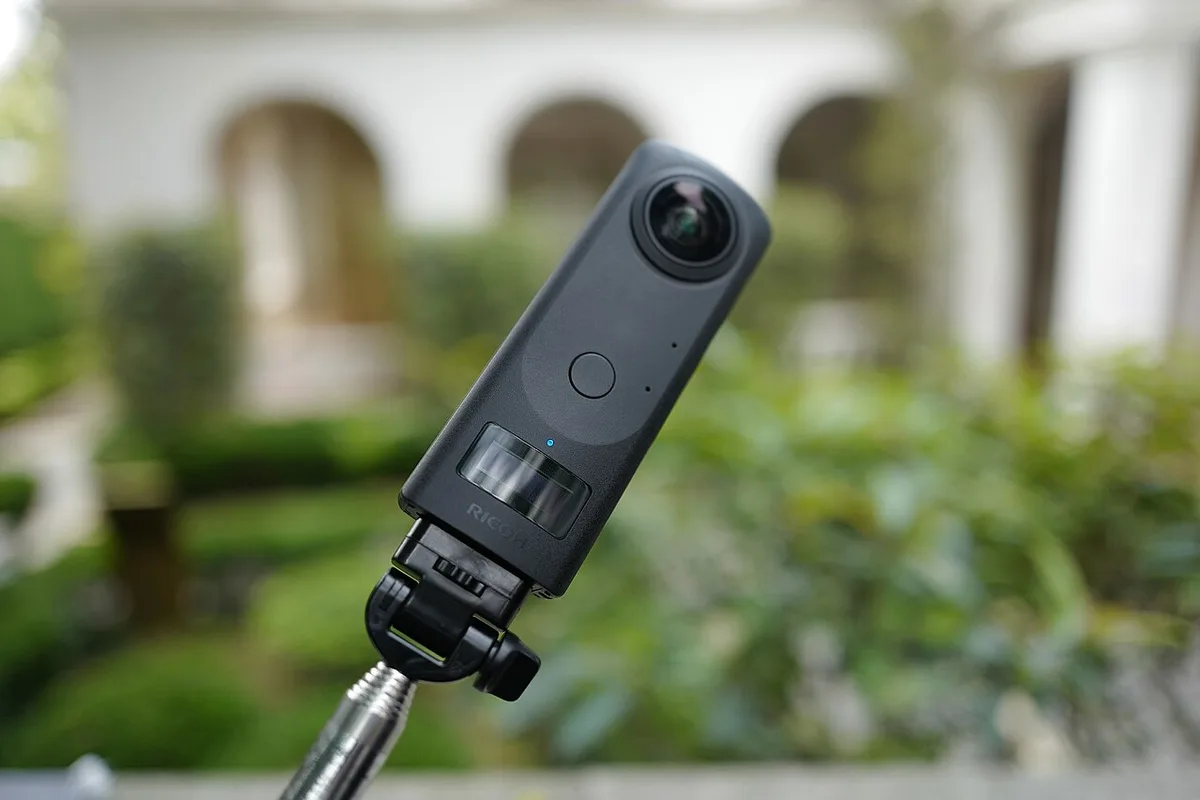
The magic of 360° is especially revealed during editing. Select the best moments without complacency, keep shots short to maintain the rhythm, add music that structures the emotion and harmonize the colors through light calibration. The dedicated Insta360 application greatly facilitates the work of reframing and exporting to social networks.
Test the 360° rental at Fox Rider
Equipping yourself with 360° equipment represents a significant budget, especially for one-off use. Renting allows you to discover these cameras for an event, a trip or a creative project, without heavy investment. At Fox Rider, the equipment is checked before each shipment, delivered everywhere in France, with breakage and theft insurance included. You benefit from the best equipment, ready to use, the day you need it.
Whether you are preparing a travel video, a sports report or immersive content for your networks, 360° offers a rendering impossible to reproduce otherwise. The best way to tame it is to try it in practice.
Discover our action and 360° cameras for rental on Fox Rider and get started on your next project.