
Guides
How to properly prepare the return of your rental equipment
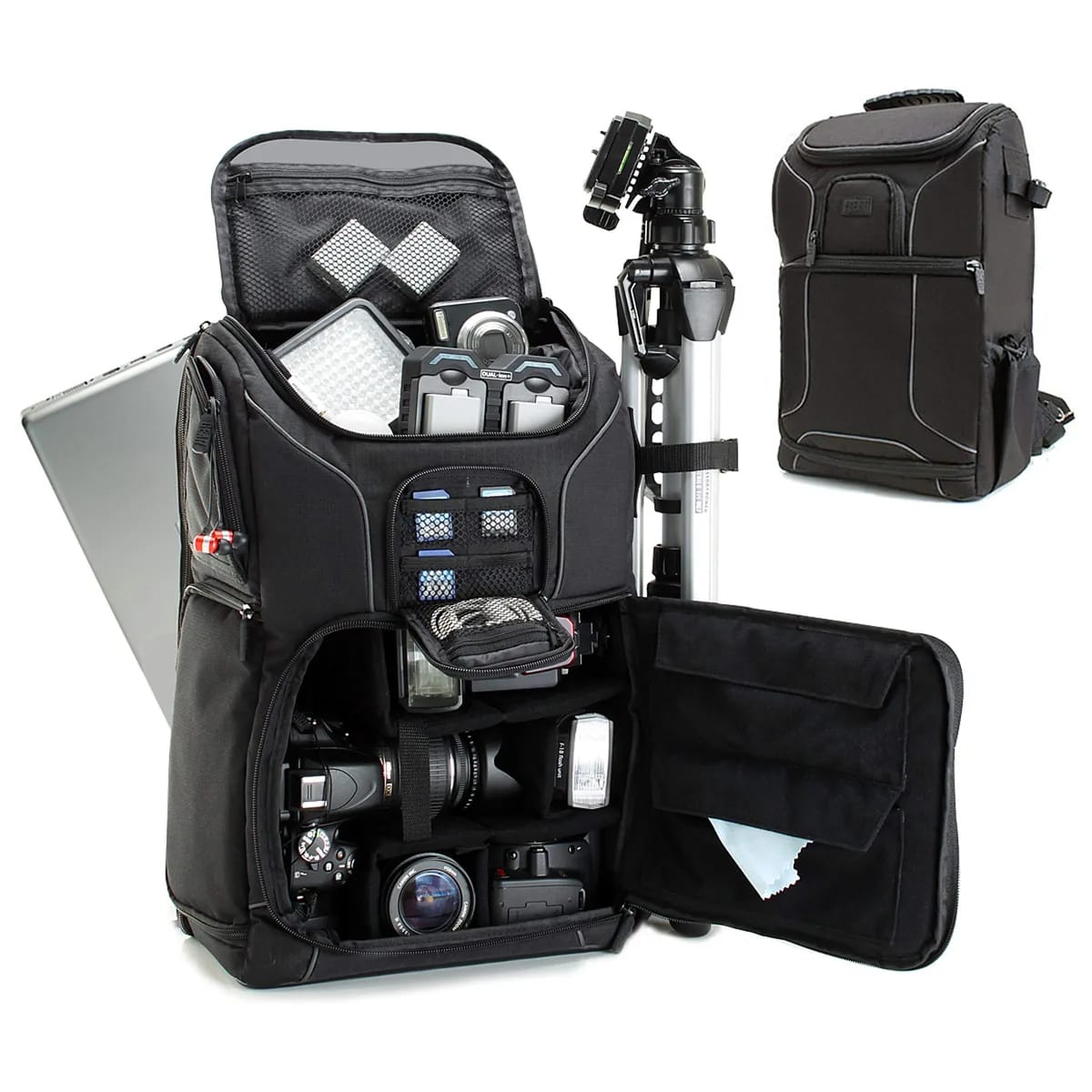
The return of equipment, an often neglected step
You had a great weekend with your GoPro rental, filmed incredible footage with your drone or mixed all night on Technics decks. It's time to return the equipment. A well-prepared return is the guarantee of recovering your security deposit in full and building a relationship of trust with your rental company. Here is the complete checklist, step by step, to return your equipment to impeccable condition.
Before returning the equipment
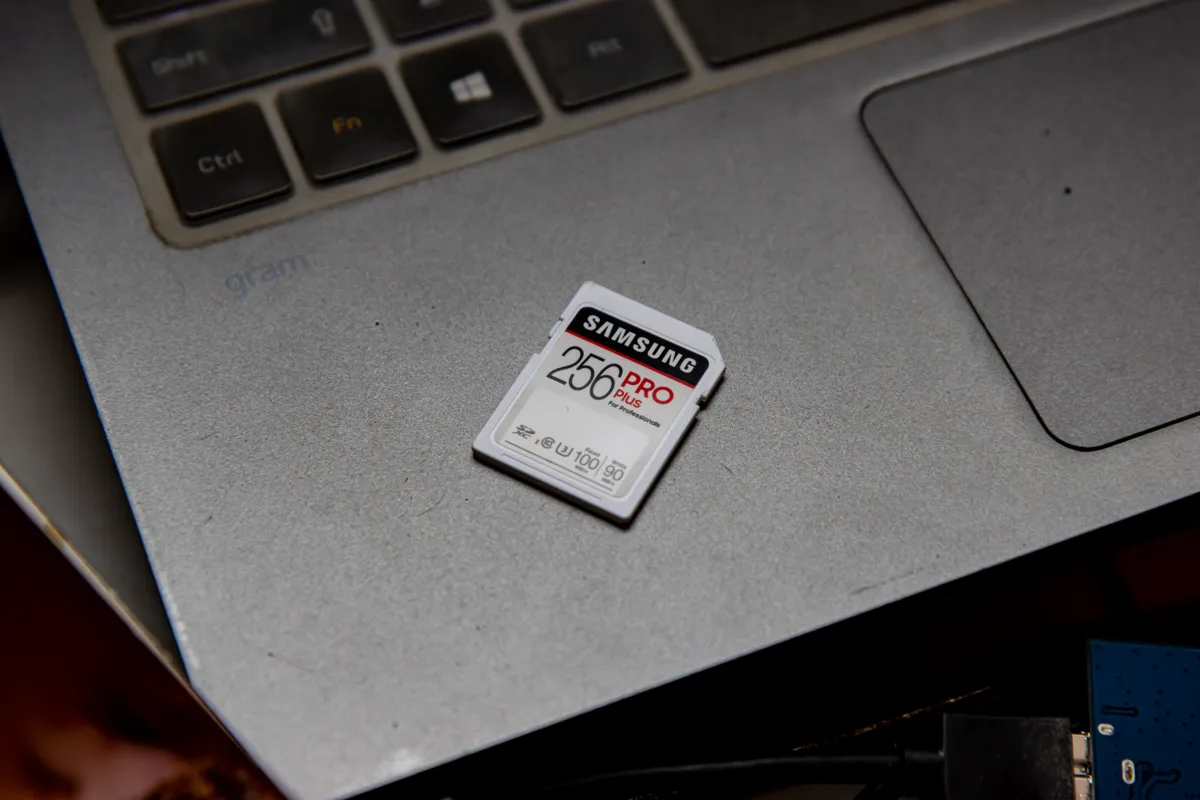
Back up your data
This is the first and most important thing to do. Transfer all your photos and videos from the memory card to your computer or an external hard drive. Verify that the transfer is complete by opening a few random files. Only after this check can you format the memory card. Nothing is more frustrating than realizing, once the equipment is returned, that your best memories are gone with it.
Check the general condition
Inspect each item in daylight. Check the camera lens (scratches, chips), the body of the device (impacts, dents) and the cables (twists, stripping). If you notice any damage, proactively report it to the rental company before returning. Honesty is always the best policy and makes processing the security deposit much easier.
Cleaning the equipment

Cameras and drones
Clean the lens with a microfiber cloth (never a rough cloth or paper). Remove sand, dust or salt with a soft brush or blast of air. For rental GoPro Hero 12 and other rental action cameras used at sea, rinse them briefly with clean water and then dry them thoroughly. For a location DJI Mini 5 Pro, clean the propellers and landing gear.
DJ equipment
For location Technics SL-1210 MK2, dust the platter and the tonearm with a soft cloth, without ever touching the cartridge or the diamond. For a location Pioneer XDJ-RX3, a wipe of microfiber on the touch screen and the jogwheels is enough. Remove fingerprints and any drink spills.
The return checklist
Count all the items
Review the list of materials received and check that each item is present. Small accessories are often the first to be forgotten: USB cables, adapters, memory cards, filters, lens protectors, spare propellers. Check under sofa cushions, in bag pockets and in the car.
Batteries
Ideally, make the batteries partially charged, neither completely empty (bad for their health) nor 100% (same for prolonged storage). An intermediate charge is an appreciated gesture, which extends the lifespan of the equipment and accelerates its provision for the next tenant.
Storage in the bag or box
Return each item to its original location in the carrying bag or suitcase. The protective foams are cut for each part: do not force or pack anything. Properly stored equipment arrives intact and facilitates inspection upon return.
What to avoid
Do not return the memory card with your data: format it after saving. Do not hide damage: the rental company will discover it and this will complicate the settlement of the security deposit. Do not return late without warning: a simple message to indicate 30 minutes late is enough to avoid charges. Don't forget a piece in a corner: follow the checklist element by element.
Best practices for recovering your security deposit
At Fox Rider, the security deposit is returned in full as long as the equipment is returned in good condition, complete and on time — within 5 working days from the receipt and inspection of the equipment for cameras and drones. A careful return demonstrates your seriousness and opens the doors to you as a trusted customer for your next rentals. Spend 15 minutes checking and cleaning everything: it's a minimal investment for complete peace of mind.
Ready for your next Fox Rider rental?
Now that you know how to properly return your equipment, get started with complete peace of mind. Rent a location GoPro Hero 12 or a location DJI Mini 5 Pro, delivered anywhere in France and covered against breakage and theft, or a location Pioneer XDJ-RX3, collected and delivered by hand to Lyon 3, by appointment. Discover all the material available on Fox Rider!
More in this section
 Guides
Why rent your audiovisual equipment rather than buying it
The intelligent economy of audiovisual rental Buying a GoPro, a drone, DJ decks... The investment quickly amounts to several [...]
3 min read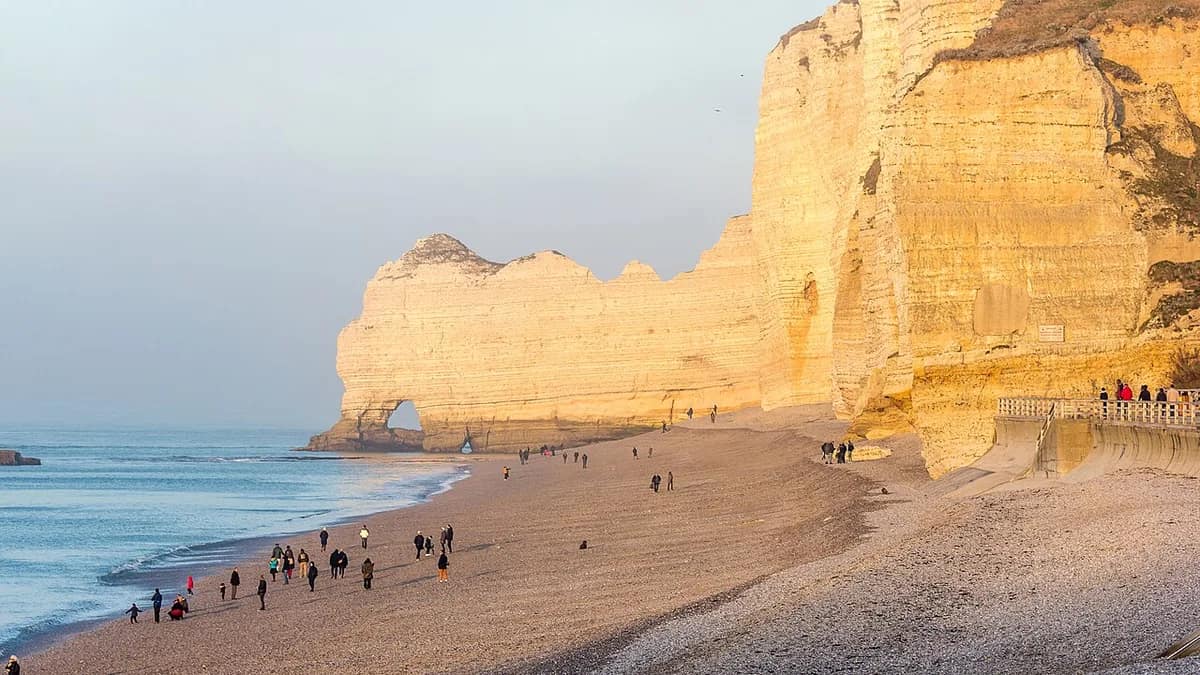 Guides
The 10 ideal French destinations for filming with a GoPro
France is full of breathtaking landscapes, perfect to be immortalized on video. Whether you are a fan of […]
3 min read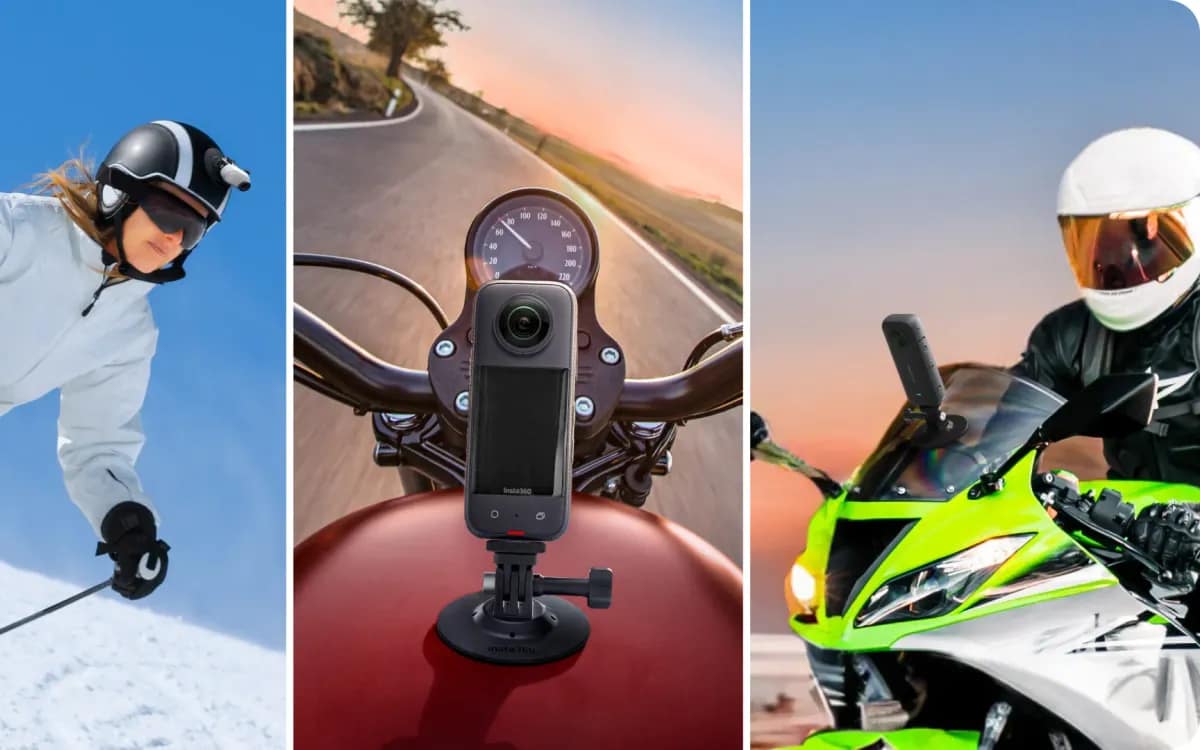 Guides
Which device for which plan: the 2026 table
Five devices facing around ten current plans, with what each does better than the others and the pitfall of each. Choose the plan first, the device second.
4 min read