
Guides
Quick start guide for your equipment Fox Rider
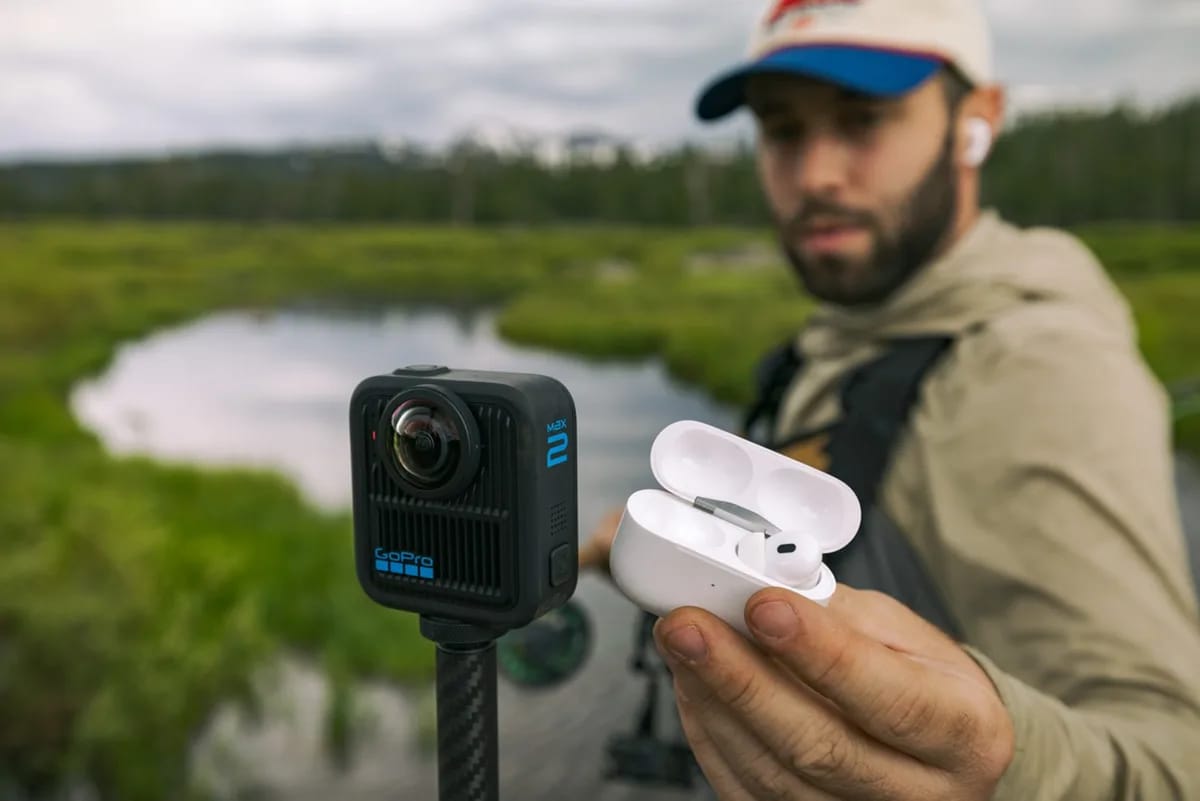
Have you just received your Fox Rider rental equipment and want to be fully operational from the first minute? No 80-page instructions to go through: this quick getting started guide takes you step by step for each major family of equipment that we offer. In just a few minutes of reading, you will know how to turn on, configure and start your shoot or your evening with complete peace of mind.
At Fox Rider, we rent the Insta360 X6 by the day, delivered anywhere in France, insurance included.
Good reflexes before starting
Whatever the device, three actions are always worth doing upon receipt:
- Check the charge of all supplied batteries and initiate a charge if necessary.
- Install the dedicated mobile application before the big day: configuration is done much faster at home than in action.
- Inspect equipment: All our equipment is checked and cleaned before shipping, but a quick glance gives you confidence.
These three reflexes avoid the vast majority of unpleasant surprises in the field.
Action cameras GoPro
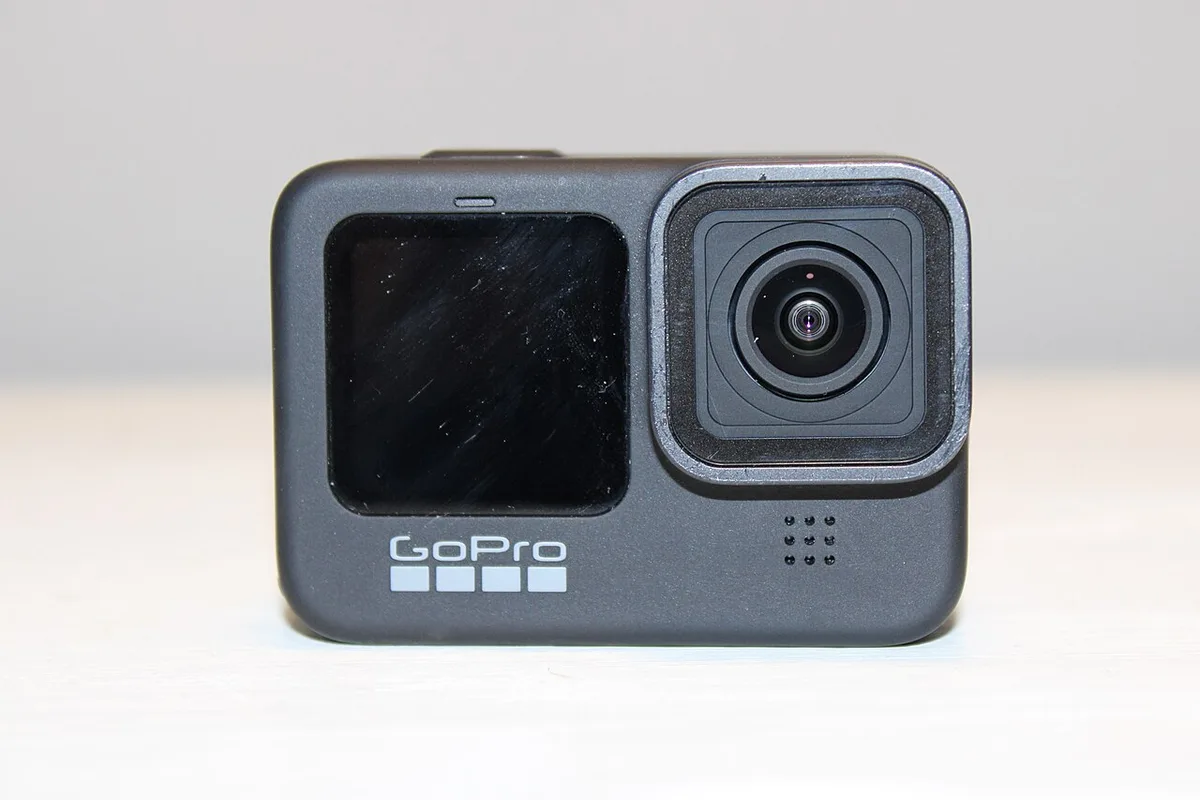
Turn on the camera with the side button (short press). The rear touchscreen displays the current mode. Swipe down to access quick settings: resolution, frame rate, and stabilization. For versatile use, start in video mode with stabilization activated — this is the setting that suits the vast majority of situations.
The big button on top starts and stops recording. Swiping left on the screen allows you to review your clips directly on camera. Finally, the GoPro connects to its mobile application via Wi-Fi to control the camera remotely and quickly transfer your files to your phone.
360° cameras Insta360
A long press on the main button turns on the camera. Recommended first step: Connect the mobile app via Wi-Fi to get a real-time preview of what the lens is filming. Consider filming with the selfie stick provided in the pack — thanks to the 360° point of view, it automatically disappears from the final video, as if the camera was floating in mid-air.
The change in philosophy is complete: with a 360° camera, you no longer have to frame during filming. The device captures the entire environment, and it is in post-production, via “reframing” in the application, that you choose the angle and compose your shot. A creative freedom that is confusing at first, then quickly addictive.
Drones DJI
Preparation begins even before the day of the flight: install the piloting application on your smartphone and familiarize yourself with its interface. On the big day, respect the switching order: first the radio control, then the drone. Then wait until the GPS signal is stable and the application displays a sufficient number of satellites before taking off.
Always take off from a flat, clear surface, away from obstacles and people. For your first flights, choose a piloting mode that softens movements and limits speed: the result is more cinematic and you maintain a good margin of safety. Remember that drone piloting is governed by French regulations: find out about the authorized areas and the rules applicable to your device before any flight.
DJ management Pioneer XDJ-RX3
Connect the mains power and connect the audio outputs to your speakers (XLR connectors for professional equipment, RCA for consumer speakers). Turn on the controller, insert your USB drive prepared with library management software, and navigate your songs from the large central touchscreen.
Load a song onto each deck, set the tempos using the pitch fader, then use the crossfader to move from one title to another. The headphone output (monitor) allows you to prepare the next song for pre-listening, without the audience hearing it. In just a few minutes, you are ready to liven up your evening.
A question? Our team supports you
At Fox Rider, the rental does not end when the equipment is handed over. Our cameras and drones are delivered everywhere in France and insured against breakage and theft; DJ equipment, however, is collected in Lyon 3, insured in the same way. In every case, responsive technical support is there to help you. Do you have any doubts about a setting, connection or shooting mode? Contact our team: we are here to make your project a success, from unpacking to the final plan.
And if you are looking for the ideal equipment for your next event or creative project, browse our catalog on fox-rider.com: action cameras, 360° cameras, drones and DJ control rooms await you.
More in this section
 Guides
Real estate: drones and 360 video sell
In a real estate market where each ad competes for buyers' attention in a few seconds, image makes all the difference. […]
3 min read Guides
2026 trends: why video equipment rental is exploding
The video and photo equipment rental market is experiencing exceptional growth in 2026. More and more […]
4 min read Guides
Why camera rental is more environmentally friendly than buying
In a world where technological overconsumption poses serious environmental problems, choosing to rent your video equipment rather than [...]
3 min read