
Events
HF microphone: successful wedding speeches
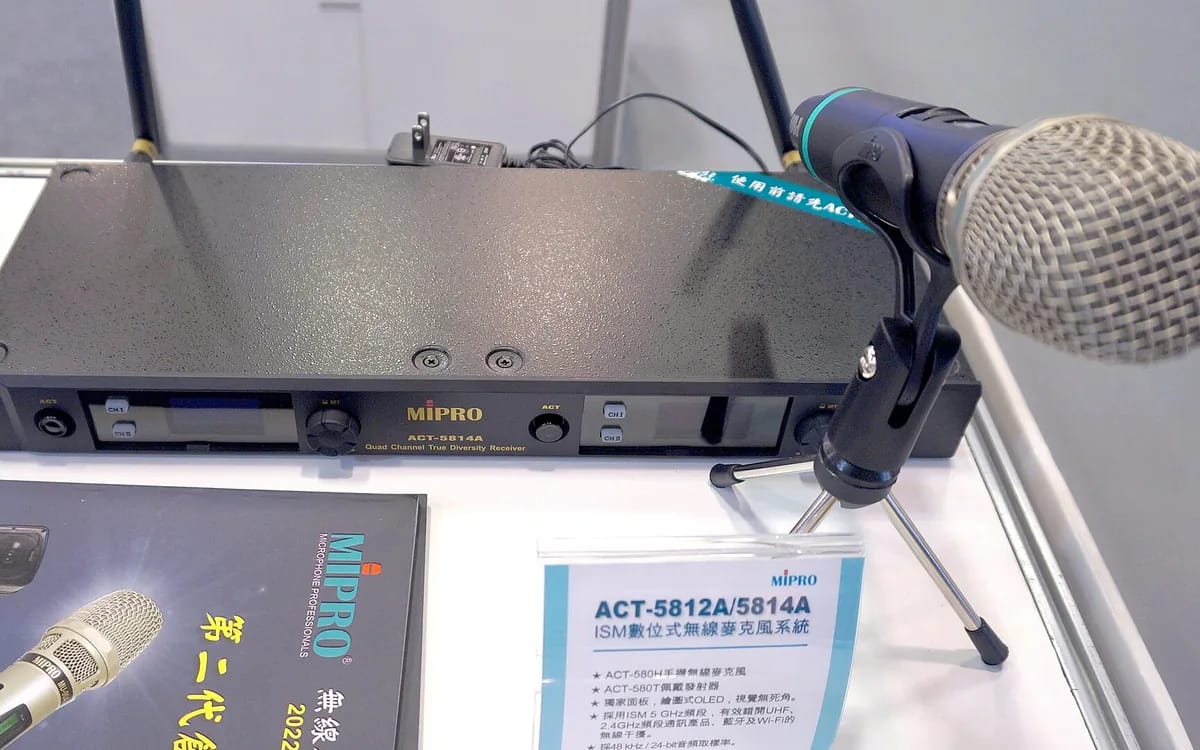
The speeches are the only moment of the evening that cannot be made up for. The set piece can arrive late, the playlist can go off the rails for ten minutes, but an inaudible witness in front of a hundred and twenty people cannot be replayed. Three things decide the result: the frequency band, the connection point, and the gain setting. The rest is organization.
On which band do you have the right to broadcast?
In France, the use of wireless microphones is regulated by Arcep, which classifies them among “auxiliary sound equipment”. Several bands can be used without any administrative procedure, and a band that was once very widespread is now prohibited. This is the only regulatory point to know before buying or borrowing a microphone.
| Band | Status in France | Namely |
|---|---|---|
| 174-223 MHz (VHF) | Usable | Cohabits with digital terrestrial radio; quality varies depending on the region. |
| 470-694 MHz (UHF) | Without individual authorization | The classic strip of the show. Power limited to 50 mW (17 dBm). Shared with TNT: you have to look for a free channel on site. |
| 700 MHz band | Prohibited | Reallocated to mobile telephony; Transitional use of wireless microphones ended on July 1, 2019. |
| 823-832MHz | Without individual authorization | Narrow band, widely used by consumer equipment. |
| 1785-1805 MHz | Without individual authorization | Shorter range, but often quieter environment. |
The practical consequence is simple: an HF microphone recovered from an attic, or purchased second-hand abroad, can perfectly emit in the 700 MHz band and be outlawed in France. Check the frequency range printed on the transmitter before relying on it. And if you rent or borrow a system from a service provider, ask them the question: it is legitimate, they will have the answer in three seconds.
Where does the receiver plug in?
A wireless microphone is two objects: a transmitter, which the speaker holds, and a receiver, which must be plugged in somewhere. This “somewhere” is often the organization’s blind spot. If you already have a music management office, this is where it happens.
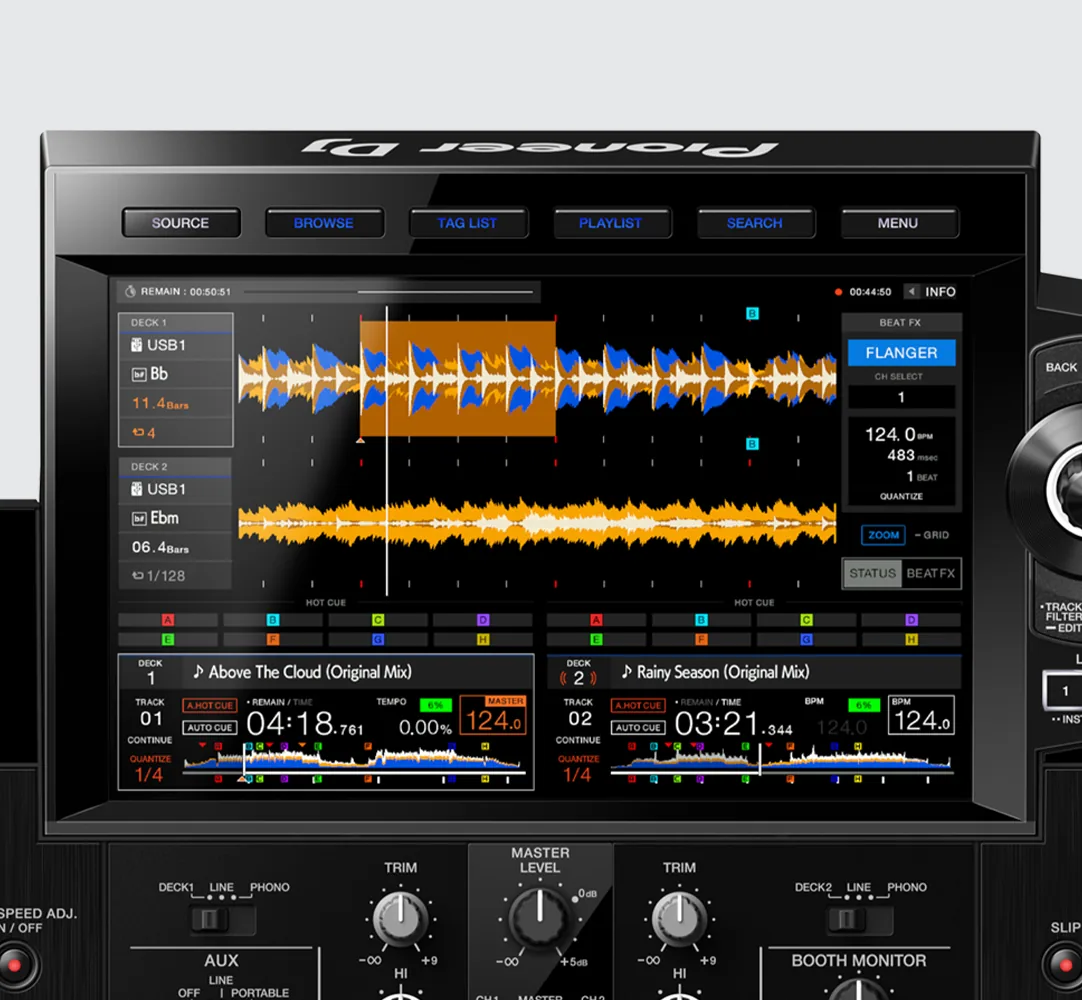
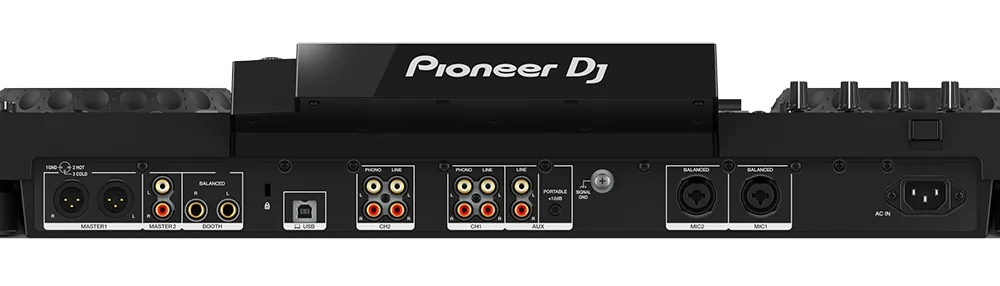
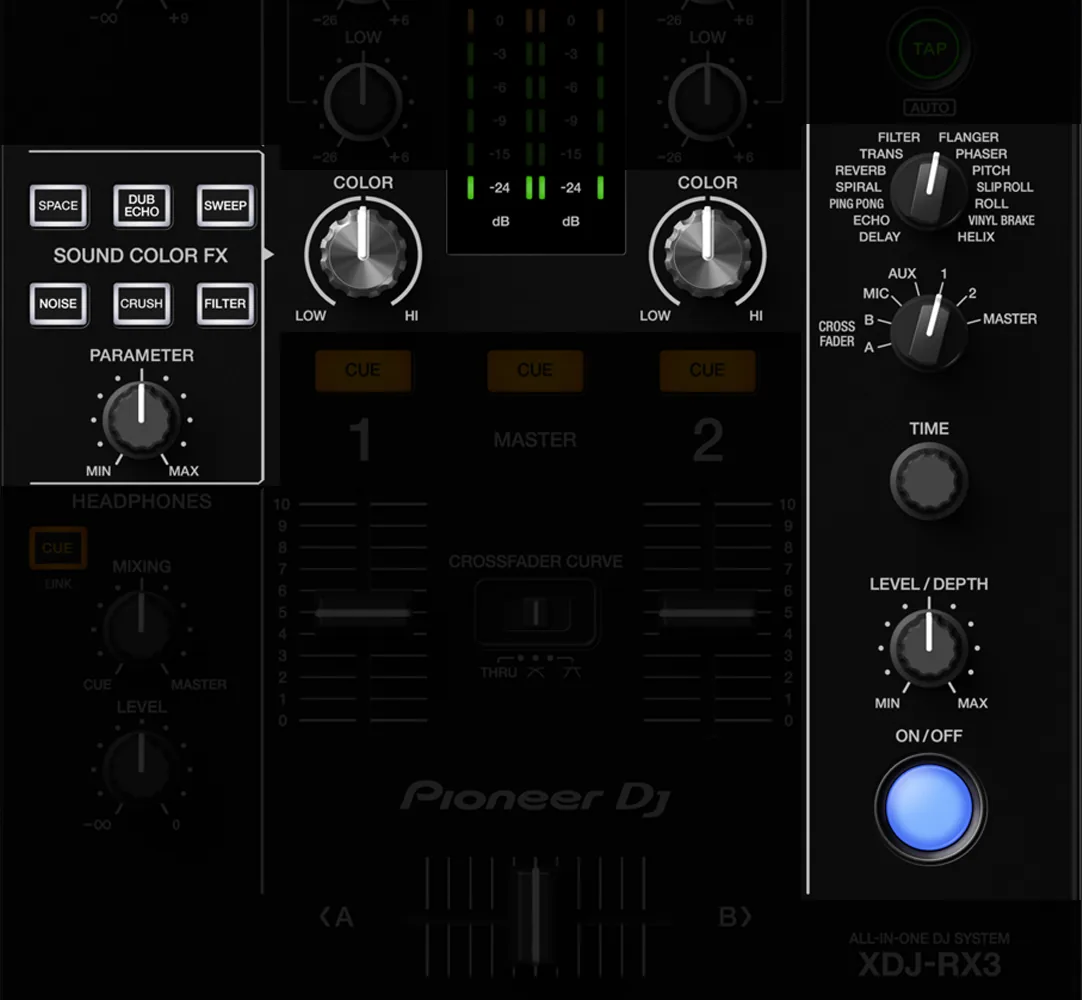
The Pioneer DJ XDJ-RX3 that we rent has two microphone inputs, MIC 1 and MIC 2, accepting either an XLR plug or a 6.35mm jack, and a dedicated MIC section which mutes the microphone and adjusts its volume and equalization. This is exactly what you need: an input for the main microphone, one for the second speaker or backup wired microphone, and a balanced XLR Master output to the speakers. Speech and music then pass through the same master, with a single general volume to manage - which avoids the great evening classic: music which resumes at full volume three seconds after the last phrase. The RCF ART 912-A speakers we rent in Lyon take both kinds of connection, XLR or jack: see the RCF ART 912-A speaker pair.
Feedback: it’s not the microphone, it’s the geometry
The hiss comes when the microphone hears the speakers which broadcast what the microphone hears. The loop closes and gets carried away. Three actions break it, in that order.
- Place the speakers in front of the microphone, never behind or to the sides of the speaker. A speaker that points toward the back of the mic is the number one cause of missed speeches.
- Adjust the input gain, not the overall volume. Have the indicator speak at its actual volume, turn the gain up until it's audible, then turn it back down a notch. Compensating for too little gain with a full master is creating feedback.
- Bring the microphone closer to your mouth. A microphone held thirty centimeters away forces everything to be turned up; held to five, he no longer needs anything. Tell the witness before, not during.
A fourth reflex, less obvious: mute the microphone between two speeches. An open microphone placed on a table, next to a speaker, always ends up whistling by itself.
The cut at the worst time
The two causes of failure in the middle of a speech are depressingly banal: worn out batteries and interference. Against the first, new batteries installed the same morning, and a spare set in the referent's pocket - not in the car. Against the second, a channel scan done on site, in the room, at evening time, and not in your living room the day before: TNT and other transmitters are not the same from one place to another.
And keep a wired microphone connected to the second input, placed on the control room. It won't be useful. The day he serves, he saves the evening.
The ten minute protocol
- Ten minutes before: the representative cuts the music one notch, turns on the receiver, checks the battery level.
- He makes the witness say two sentences, in the full room, into the microphone that he will actually use.
- He adjusts the gain, then doesn't change it again.
- During the speeches, he remains in control. This is the only position of the evening where someone must be still.
If you would rather not run this setup yourself on the day, our wedding video service is quote-based, available in Lyon and across France, and includes a set of prints.
What we praise, and what we don't praise
Let's be clear: Fox Rider does not rent an HF microphone. What we rent here is the control panel it plugs into - the XDJ-RX3, with its two XLR or jack microphone inputs and its balanced master output - and, as an option with it, a wired Shure SM58 microphone: €5 per microphone per rental, two at most, XLR cable supplied and microphone stand free of charge. That takes care of the backup microphone to keep on the control panel. For the transmitter itself, go through a local PA rental company or the DJ of the party, simply giving them the tape you want them to work on. Now you will know which one.
More in this section
 Events
instax WIDE Evo: how many films to plan?
The camera is rented; the film is bought — from us as an option, or in a shop — and never comes back. Here's how to calculate the right amount for your evening, without breaking down at 11 p.m.
4 min read Events
360 camera at the wedding: filming without a cameraman
No videographer budget? A 360 camera installed can cover the entire evening. Here are its three real limitations, and how to get around them.
5 min read Events
The events of summer 2026 in Lyon, to be filmed
Summer in Lyon has a unique scent: that of the terraces overflowing onto the banks of the Rhône, scenes […]
3 min read