
Action & 360 cameras
GoPro Hero 12: 10 essential settings for perfect videos
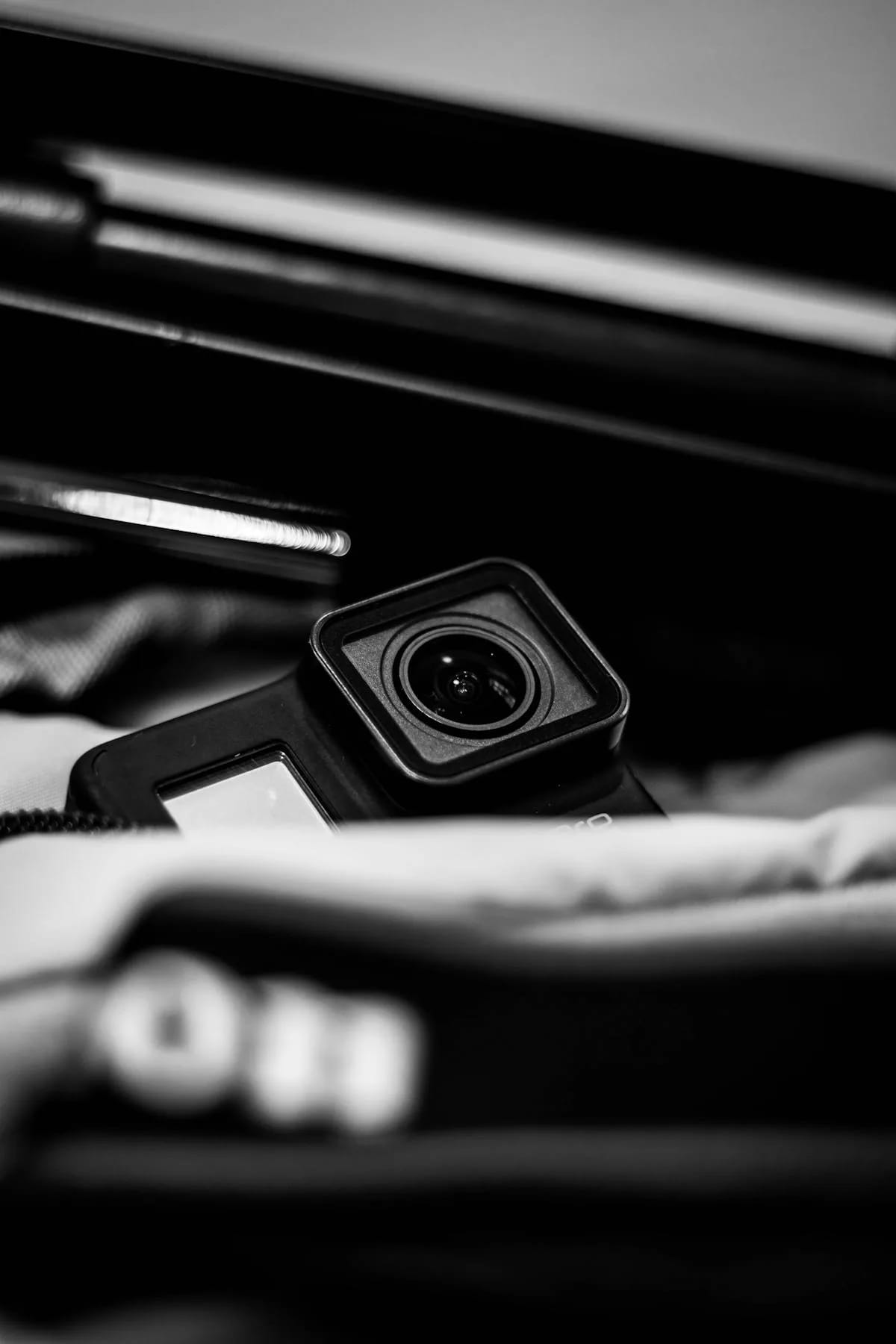
The GoPro Hero 12 Black is an action camera of remarkable versatility, but you still need to know how to adjust it to exploit its full potential. The right settings make all the difference between an ordinary video and a shot worthy of a professional. In this guide, we review the ten essential settings to master, whether you're filming sports, traveling or just your daily life.
Available for rental from Fox Rider, the GoPro Hero 12 Black arrives ready for use. But with these ten optimized settings, your videos will definitely take it to the next level.
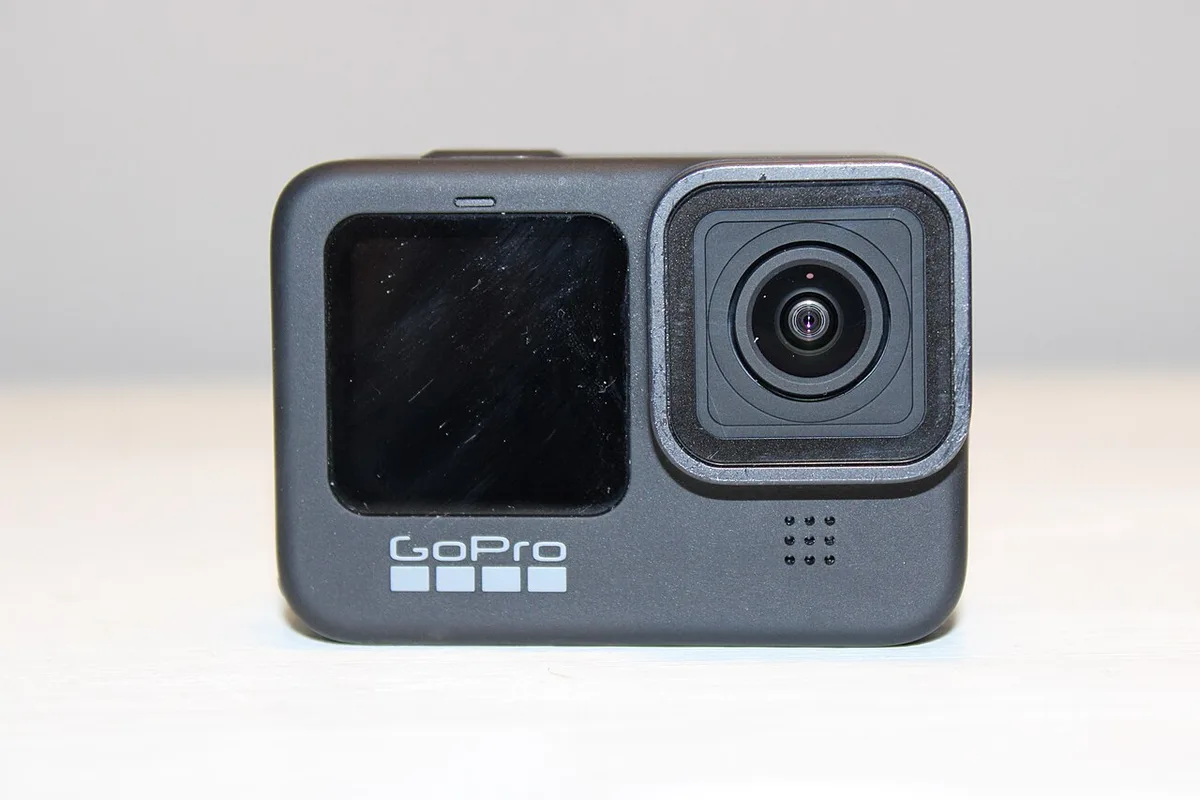
1. Resolution and frame rate: the winning duo
The GoPro Hero 12 records up to 5.3K at 60 fps in 16:9 — 5.3K at 30 fps in 8:7 — and up to 4K at 120 fps or 2.7K at 240 fps at maximum frame rate. For the majority of uses, 4K at 30 fps offers the best balance between image quality and file size. If you plan on slow motion, upgrade to 4K 60 fps or 2.7K 120 fps. The choice always depends on your end use: social networks, professional editing or personal souvenir.
2. HyperSmooth 6.0: new generation stabilization
The HyperSmooth 6.0 stabilization is one of the major assets of the Hero 12. Three levels are available:
- On: standard stabilization, sufficient for walking and cycling.
- High: for more vigorous activities such as mountain biking or skiing.
- Boost: maximum stabilization, at the cost of slight cropping of the image.
For extreme sports, also activate 360° horizon lock: your images will remain perfectly straight whatever your movements.
3. Field of view (FOV): adapt the angle to the scene
The Hero 12 offers several fields of vision: HyperView (the widest), SuperView, Wide, Linear and Linear + Horizon Lock. For sports, choose SuperView which offers a spectacularly immersive rendering. For vlogs and close-ups, Linear mode eliminates fisheye distortion and maintains natural lines.
4. Color profile: Natural, Flat or GP-LOG?
The Natural profile is suitable for 90% of situations and delivers directly usable images. The Flat profile captures more detail in shadows and highlights, ideal if you plan to grade in post-production. As for the GP-LOG profile, it is aimed at advanced users who have mastered color grading and want maximum latitude.
5. White balance: automatic or manual?
Outdoors, under natural lighting, automatic mode works very well. Indoors or in mixed lighting conditions, manually adjust the white balance to avoid unwanted color casts — a detail that makes all the difference in the final result.
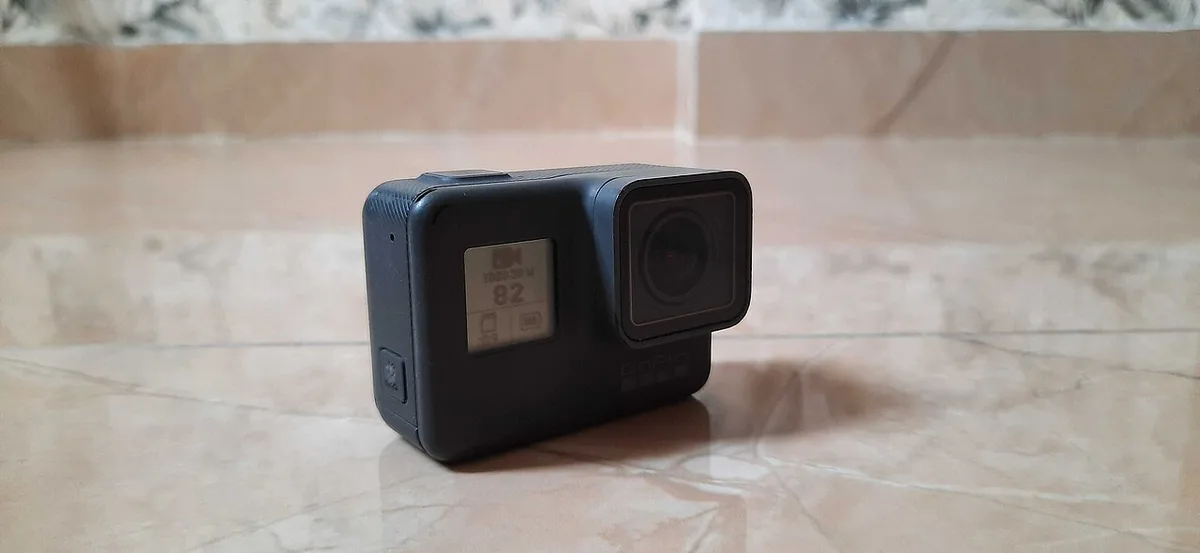
6. ISO and exposure: mastering brightness
Limit the maximum ISO to 1600 to avoid excessive digital noise. In broad daylight, an ISO between 100 and 400 is more than sufficient. For high-contrast scenes, use exposure lock to avoid unsightly variations in brightness during the shot.
7. Protune Mode: Unlock Full Potential
Activate the Pro controls in the settings to access all the advanced settings: color profile, bitrate, sharpness, white balance and ISO. This is the essential step to seriously exploit the Hero 12 and regain control over each aspect of the image.
8. Bitrate and codec: aim for maximum quality
Select high bitrate and HEVC (H.265) codec for the best quality with reasonable file size. If your editing software does not support HEVC, stick to H.264, more universal but a little heavier.
9. Voice Control and QuikCapture
Activate QuikCapture to start recording with a simple press of the button, even with the camera turned off: saving valuable time so you never miss the moment. The voice commands (“GoPro, Start Recording”) come in handy when your hands are busy.
10. Autonomy: optimize the battery
GoPro quotes 70 minutes in 5.3K at 60 fps, 1 hour 30 minutes in 5.3K at 30 fps and over 2 hours 30 minutes in Full HD at 30 fps — figures measured at 25 °C in a 0.6 m/s breeze, so above what you will get in the field. The Hero 12 has no GPS: there is nothing to switch off on that side, unlike the Hero 11. Turn off the Wi-Fi and the rear screen instead when you are not using them, and carry a charged spare Enduro battery so you never have to cut a session short.
If you are hesitating between the Hero 12 and another model, also discover our GoPro Hero 11 Black rental to compare the options.
Ready to take action?
At Fox Rider, we provide you with professional equipment for rental, ready to use and checked before each shipment. Event, creative project or simple pleasure: rental allows you to benefit from the best equipment without heavy investment.
Discover the GoPro Hero 12 Black for rental on fox-rider.com and book now. Fast delivery throughout France, breakage and theft insurance included, and technical support by telephone: rental has never been so simple.
More in this section
 Action & 360 cameras
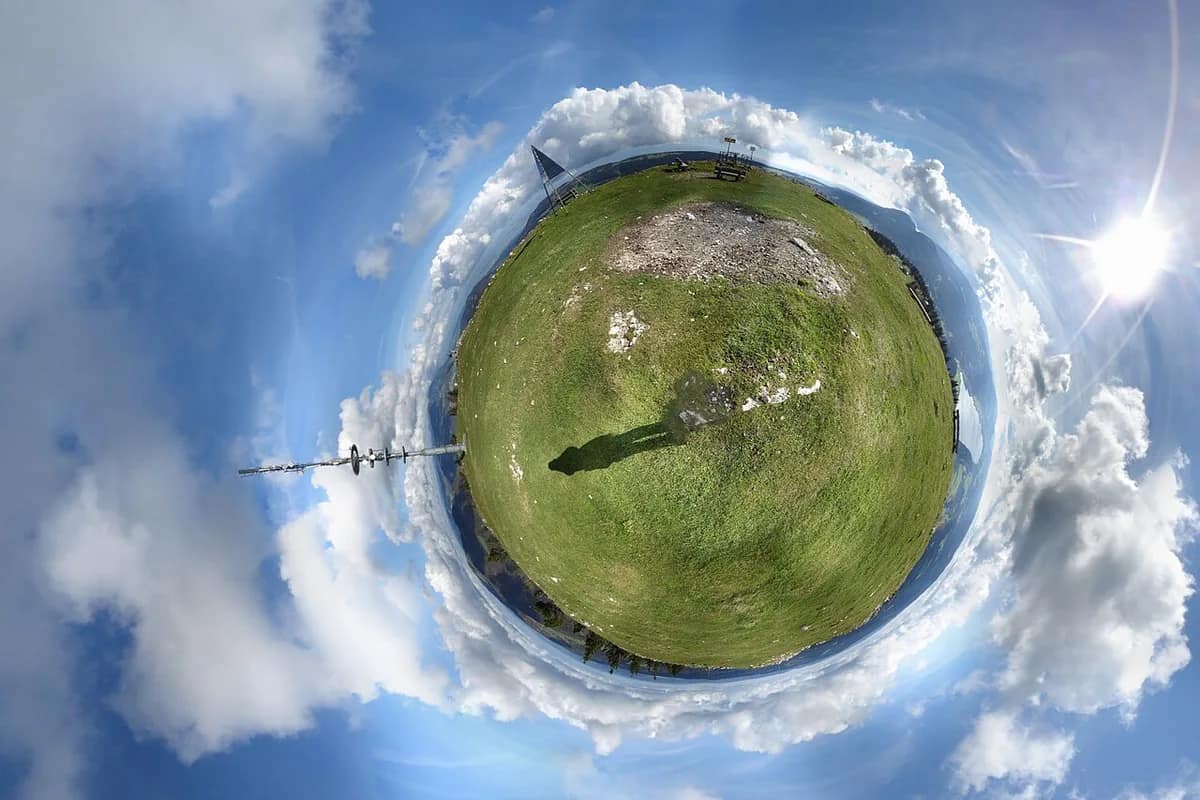
How to Create Viral Content for TikTok with a 360° Camera
360-degree videos are exploding view counts on TikTok. Tiny planet effect, impossible transitions, perspectives that […]
3 min read Action & 360 cameras
Filming your children on vacation: our tips
Family vacations are flying by. Between the first swim in the sea, the giggles on the shore […]
4 min read Action & 360 cameras
The 7 beginner mistakes in action video to absolutely avoid
Filming sports, adventure or dynamic activities provides a real adrenaline rush, but action video is also […]
5 min read