
Vlogging & creation
The Best Free Video Editing Software in 2026
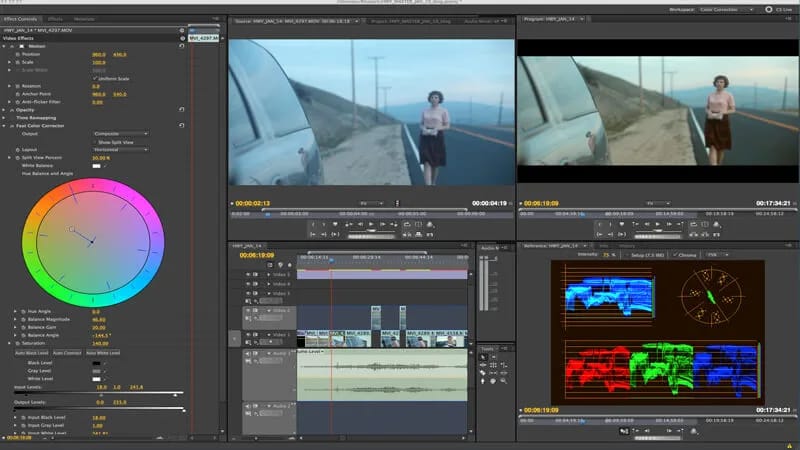
You've rented a camera, filmed hours of incredible footage, now what? You have to put everything together. Good news: in 2026, some of the best video editing software is completely free, without watermarks or absurd limitations. Whether you are aiming for a cinematic rendering or a vertical format for social networks, there is a tool adapted to your level. Here is our tried and tested selection, with advice on choosing the right one for your project and equipment.
At Fox Rider, we rent the DJI Osmo Pocket 4P by the day, delivered anywhere in France, insurance included.
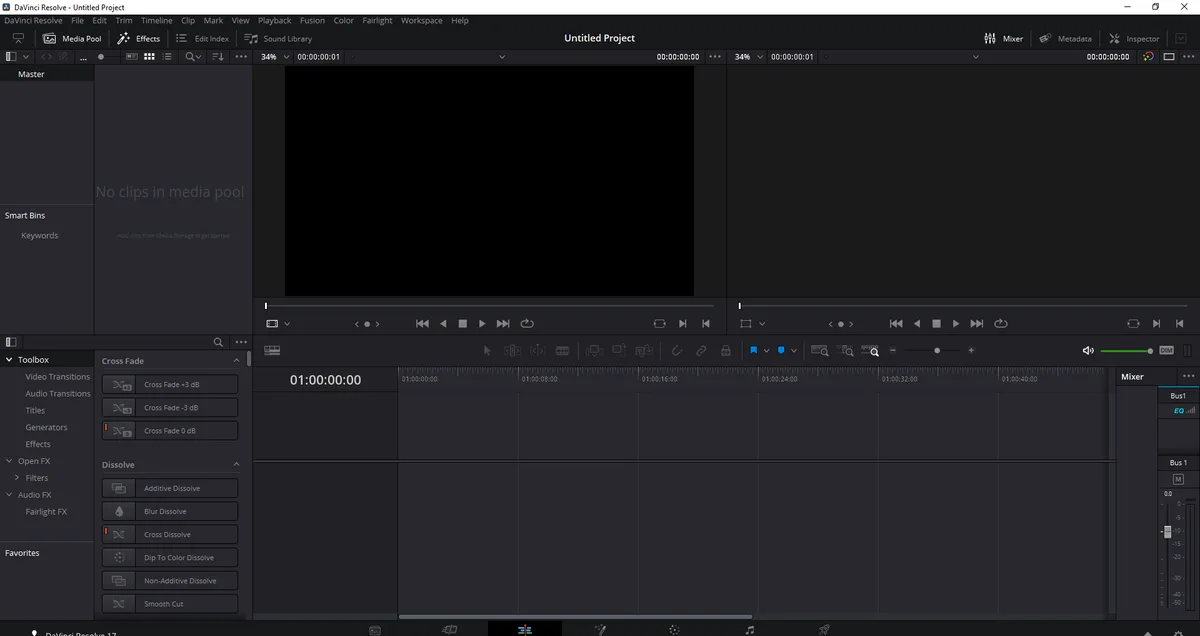
DaVinci Resolve: the free professional choice
DaVinci Resolve, from Blackmagic Design, is arguably the most comprehensive free editing software on the market. Used even in cinema and advertising, it natively manages high resolutions, offers professional-level color grading, a visual effects module (Fusion) and advanced audio mixing (Fairlight) in a single interface.
Available on PC, Mac and Linux, it's our recommendation for anyone who wants to get serious. Getting started requires a little more effort than a mobile app, but tutorials abound and the community is very active. An excellent investment of time for those who want to progress sustainably.
CapCut: the king of mobile editing
For editing directly from your smartphone, CapCut is hard to beat: free, powerful and extremely intuitive. Up-to-date templates, automatic subtitles, popular effects and a built-in music library make it the ideal companion for quick content for social networks. Its desktop version, on PC and Mac, offers more control while maintaining this ease of use.
Open source alternatives to know
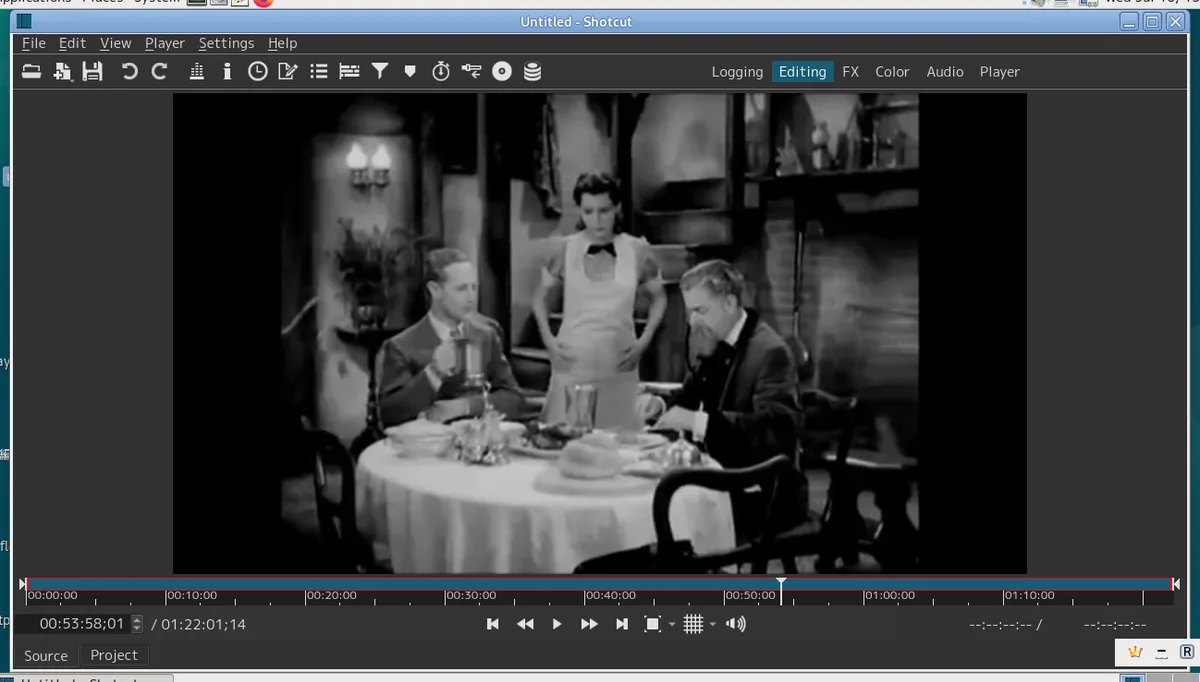
If you prefer free software, two references are worth a look. Shotcut, multi-platform, offers complete editing without heavy installation or account to create. Kdenlive, popular on Linux but also available on Windows and Mac, offers a solid multitrack timeline and numerous effects. These free tools are more than enough for ambitious projects, and their community regularly updates the features.
Dedicated software according to your camera
Some cameras include their own software ecosystem, often free. For 360° cameras, the Insta360 application is essential: it allows you to reframe your immersive videos into classic shots, apply tiny planet effects and export directly to the right format for networks. On the action cam side, GoPro Quik automates editing in a few seconds, ideal for sharing quickly. Thinking about the tool dedicated to your equipment saves valuable time.

How to choose the right software
- Beginner in a hurry: CapCut or GoPro Quik to quickly publish on networks.
- Ambitious creator: DaVinci Resolve for professional rendering and true color grading.
- Free software fan: Shotcut or Kdenlive, free and without dependence on a publisher.
- 360° User: your camera application, essential for reframing.
Also think about the power of your computer: the most advanced software handles high resolutions better on a recent machine. In case of modest configuration, a lighter tool or an editing proxy will save you a lot of slowdowns.
Hardware first, assembly later
Good software isn't everything: the quality of your images starts when you take the photo. Rather than investing heavily in a camera that you will only use occasionally, renting gives you access to the best equipment for each project. At Fox Rider, the equipment is checked before each shipment, delivered everywhere in France, with breakage and theft insurance included. You film calmly, then you edit with the free tools above.
Rent your camera from Fox Rider and create quality content with this free software.
More in this section
 Vlogging & creation
Capturing the highlights of a birthday with GoPro and drone
A friend’s 30th birthday, your parents’ 50th birthday, a child’s first birthday: some celebrations are not […]
3 min read Vlogging & creation
Create YouTube content with rented hardware
Do you dream of launching your YouTube channel, but the cost of equipment is holding you back? Good news: he didn’t […]
3 min read Vlogging & creation
Tenant checklist: prepare your video shoot well
Reserving professional video equipment is the assurance of upgrading your images. But a successful rental is played out […]
3 min read