
Services
Paper prints: what remains when the screen goes dark
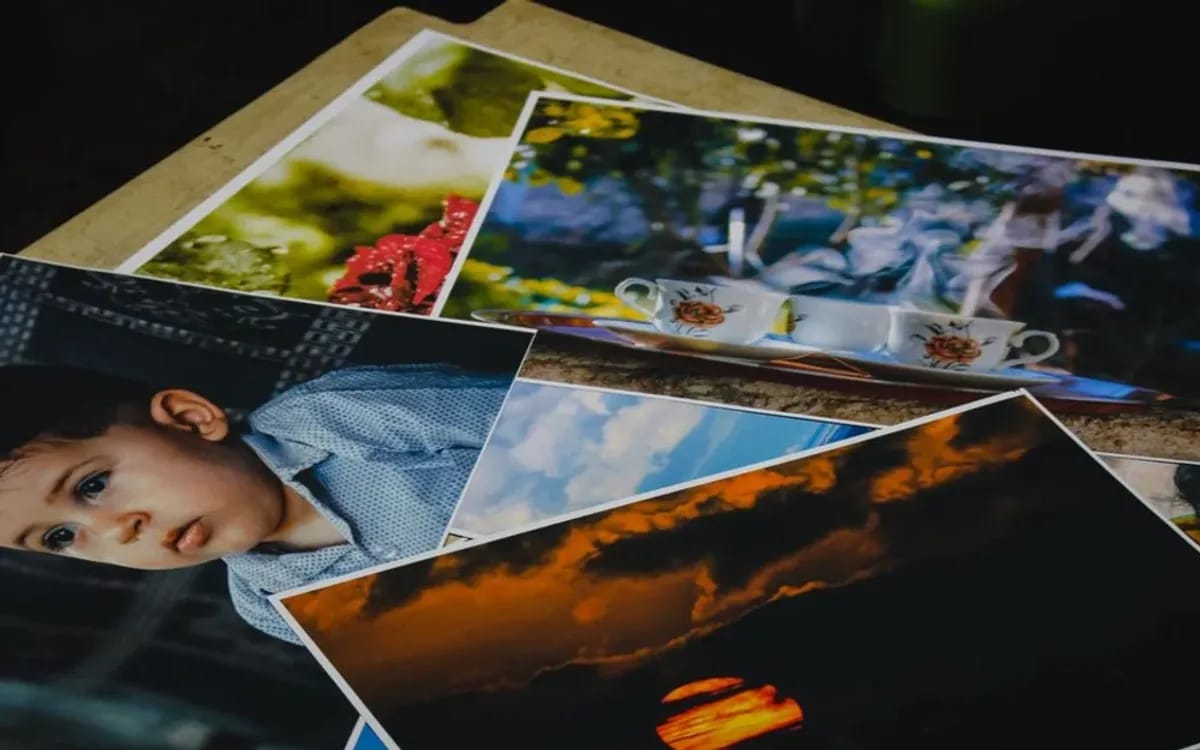
A file disappears without a sound. The account closes, the drive stops spinning, the link leads to a blank page, and nobody notices until the day they look for the picture. A print, on the other hand, turns up in a drawer ten years later without anyone having done anything. That is the whole point of paper, and also its only real justification.
Still, not everything prints well. An image made for a screen and an image made for paper do not ask for the same things, and the difference shows immediately when you get it wrong.
What prints well, and what prints badly
A screen is backlit: it produces its own light, which gives it a contrast paper does not have. Paper only reflects the light in the room. Everything that relied on the power of the screen therefore fades in print, and predictably so.
- Prints very well: clear light, a readable subject, colours that do not depend on an effect, and framing that leaves room around the subject.
- Prints badly: very dark scenes, whose blacks turn into a uniform mass; photos shot at high sensitivity late in the evening, whose grain shows all the more as the format grows; very high-contrast images, which lose their extremes at both ends.
- Prints with care: stills taken from a video, excellent at small sizes, less convincing as soon as you enlarge them.
Resolution decides the format, and the maths is simple
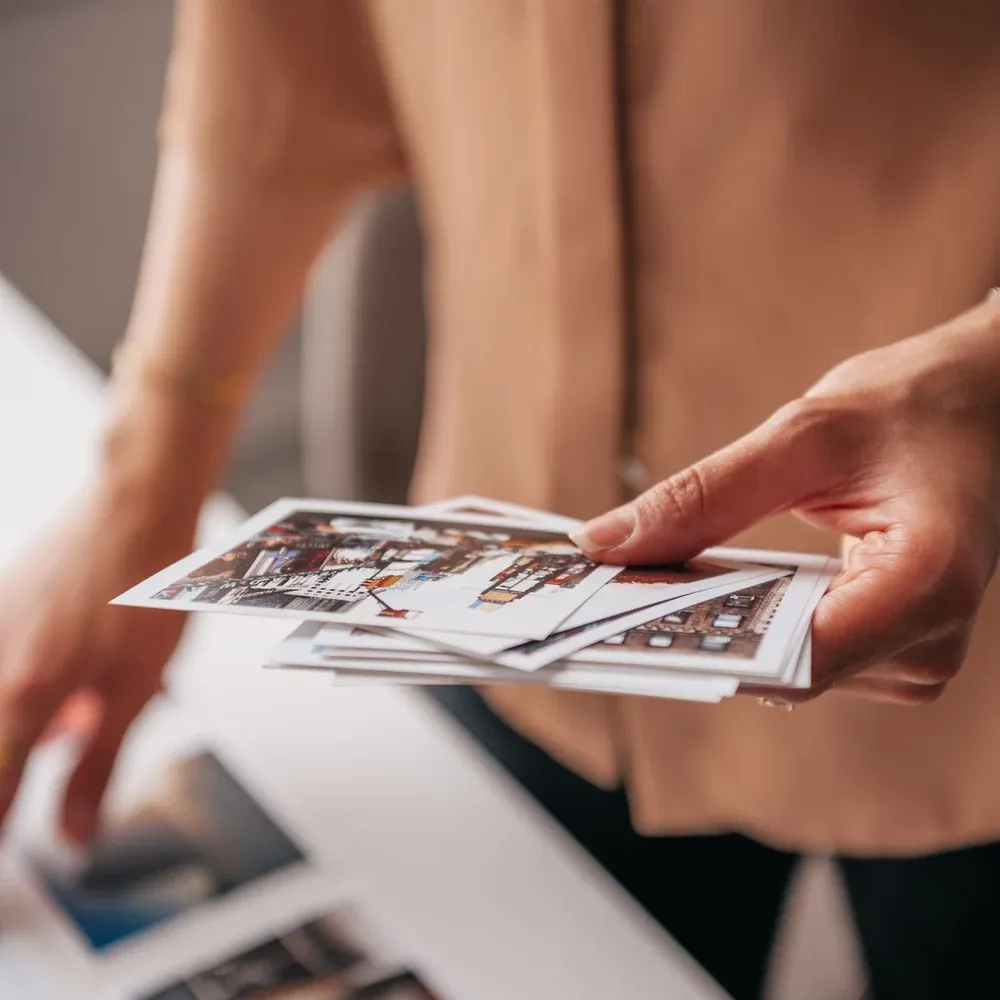
The rule fits in one division: take the number of pixels in the image, divide it by 300, the usual density of a print, and you get the size in inches, which you only need to convert. Nothing else comes into it.
| Where the image comes from | Resolution | Comfortable size at 300 dots per inch |
|---|---|---|
| Still taken from a 4K video | 3,840 × 2,160 pixels, i.e. 8.3 million | Up to about 32 × 18 cm |
| Photo from a typical camera | 6,000 × 4,000 pixels, i.e. 24 million | Up to about 50 × 34 cm |
| Photo resized for a website | 1,200 pixels wide | Around ten centimetres, hardly more |
The last row is the trap. Images sent by message or downloaded from a website are downsized: they display perfectly and do not print. To print, you need the original file, which means having kept it.
Selecting is the real work
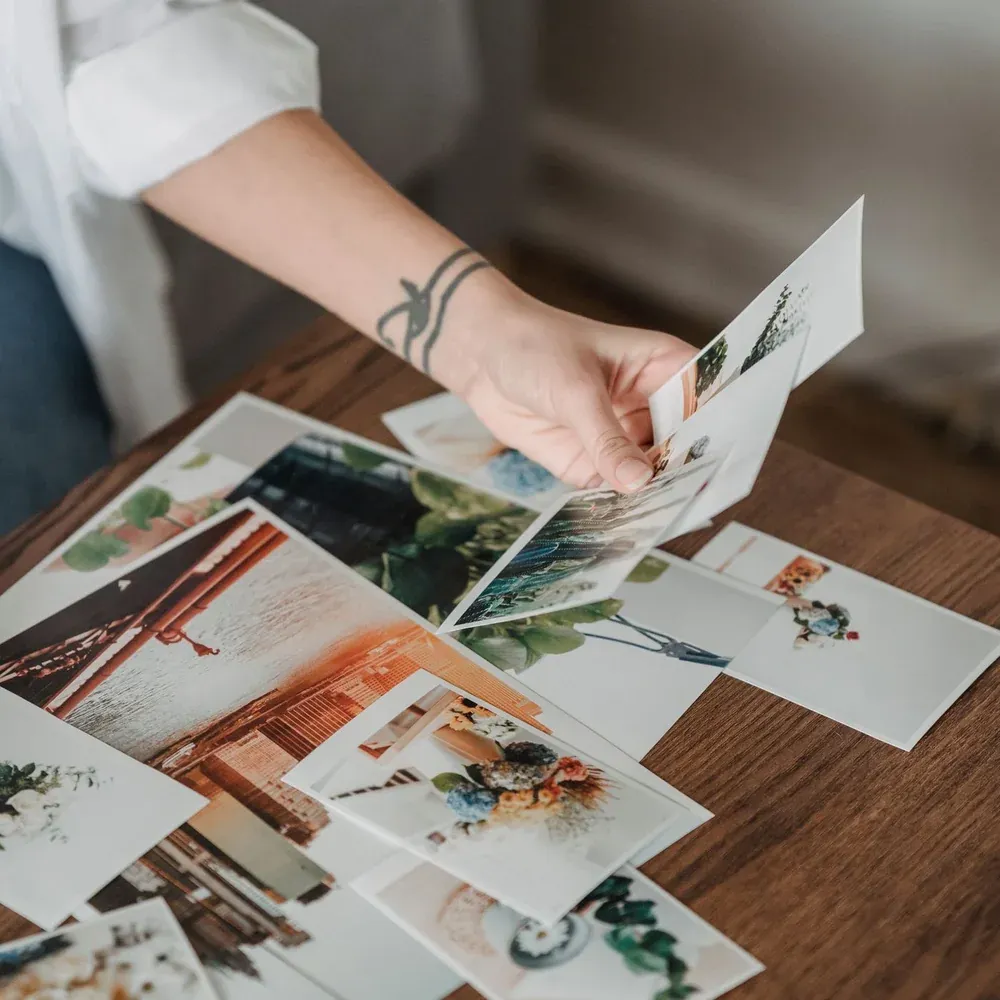
The most common mistake is not technical. It is printing a lot. Forty prints get looked at once and then stay in their envelope; twelve get looked at often, and end up on display or given away.
A method that works: one image per moment, not three. For an evening, that means the arrival, the speech, the table, the first dance, two or three portraits, one wide view. Resist the urge to keep the variants: they are what makes the pile grow without adding anything.
Two practical tips are worth giving, because they are settled beforehand and not at the print lab: leave some margin around the subject when framing, because a print is almost always cropped a little; and choose the images on a calibrated screen or, failing that, in daylight, never on a phone in the middle of the night.
Paper, format and the white border
Matte and glossy are not decided in the abstract, but in a room. Under living-room light, a glossy print throws back reflections from the window and the lamp; a matte print absorbs them and can be looked at from any angle. For an album you leaf through, matte is almost always the right choice.
On format, a discreet trap: standard prints are 3:2, while an image from a video is 16:9. The gap is not huge, but it means either a white strip or a crop at the sides. Knowing this lets you choose which of the two you prefer, rather than having it imposed on you.
Finally, the white border is not decoration. It is where you write a date, a first name, a few words. An annotated print has a second life that the same file will never have.
This is not the instant photo corner
Two very different things go by the same word, “print”, and it is better to tell them apart before choosing. The instant photo corner is a camera set up for the evening: guests pose, the print comes out in a few seconds, and it goes home in a pocket. It is a moment, and it needs preparing: setting up your photo corner and knowing how much film to plan explain how.
The “Paper prints” option of a service is something else: the photos taken for you, sorted afterwards, printed at a lab or on site, and handed over as a selection. One is lived during the evening, the other is kept. Nothing stops you having both, but one does not replace the other.
What to ask for at the quote stage
Three things are enough to frame it: how many images you want printed, in what format, and whether you would rather receive them with the files or separately. These answers are given at the quote stage along with everything else, and if you edit or sort the files yourself, our guide to organising footage after a shoot explains how to find the originals in the right format.
For an evening, a wedding or a party, the box already exists in the form: describe your evening and tick paper prints in the same place as everything else, rather than coming back to it once the images have been delivered.
More in this section
 Services
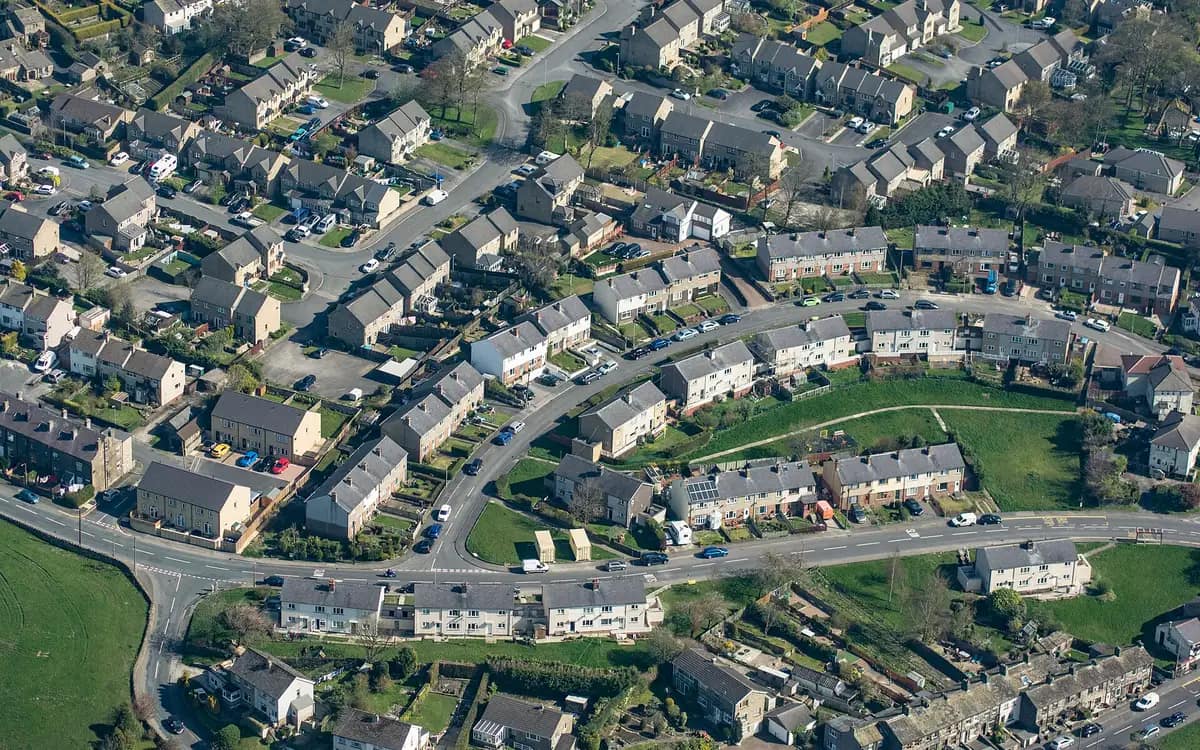
Orbit, reveal, top-down: three flight paths
Three drone moves, three different questions about a property for sale. Where each one starts, where it stops, how long it lasts and what makes it unreadable.
6 min read Services
Wedding film: what we film from morning to night
What a camera really captures on a wedding day, from the bride and groom waking up to the first dance, and what is prepared beforehand.
5 min read Services
Wedding photographer: how does the service work?
Online quote, preparatory exchange, wedding day, receiving the images: the complete process of a wedding photo shoot, without any unpleasant surprises.
4 min read