
Guides
360 camera lens: how to protect it
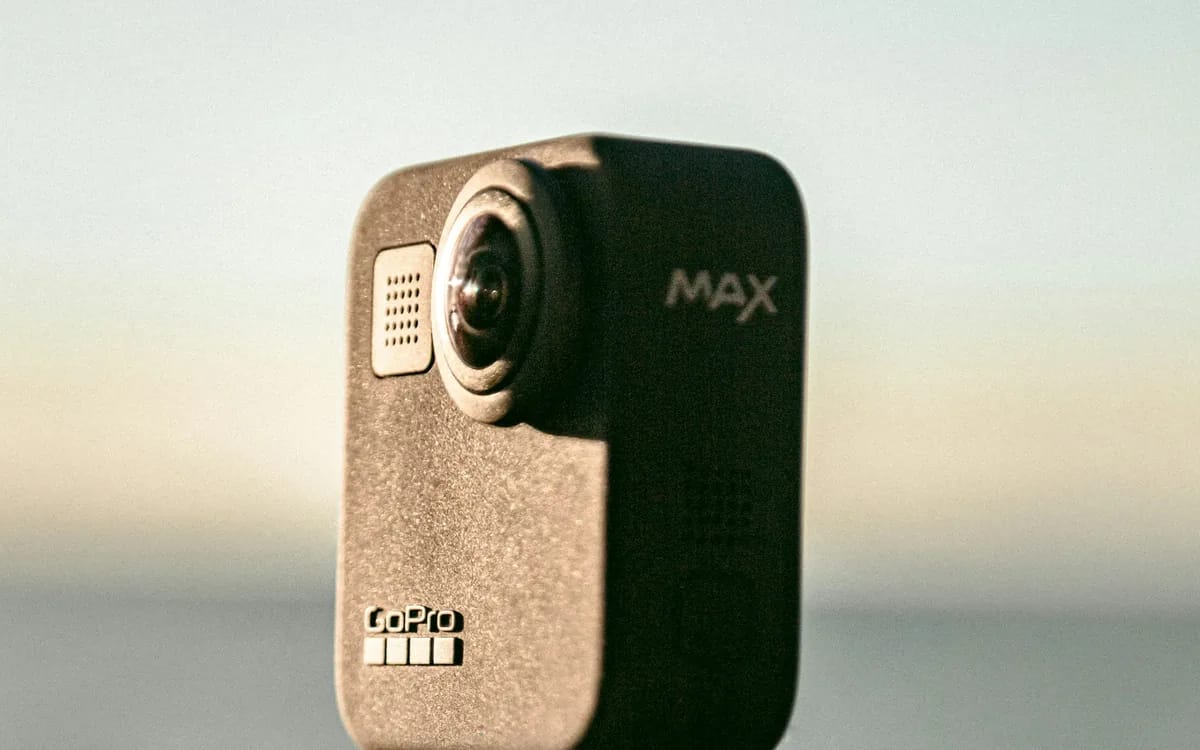
This is the first concern of almost everyone who rents a 360 camera: these two curved lenses which protrude from the body, without cover, without protective edge, ready to encounter the first gravel that comes along. The concern is legitimate, and the good news is that it can be treated entirely with simple gestures and an accessory already present on the camera.
Why they are exposed, and why it is normal
A 360 camera assembles two ultra-wide-angle images to reconstruct a complete sphere. For the two fields to overlap instead of leaving a hole, each lens must cover significantly more than 180 degrees — which requires a very convex, protruding front lens. This is not a design flaw, it is the very condition of the 360. No manufacturer can make it disappear, and that is why the protection takes place outside the lens, not in the housing.
The lens cap does most of the work
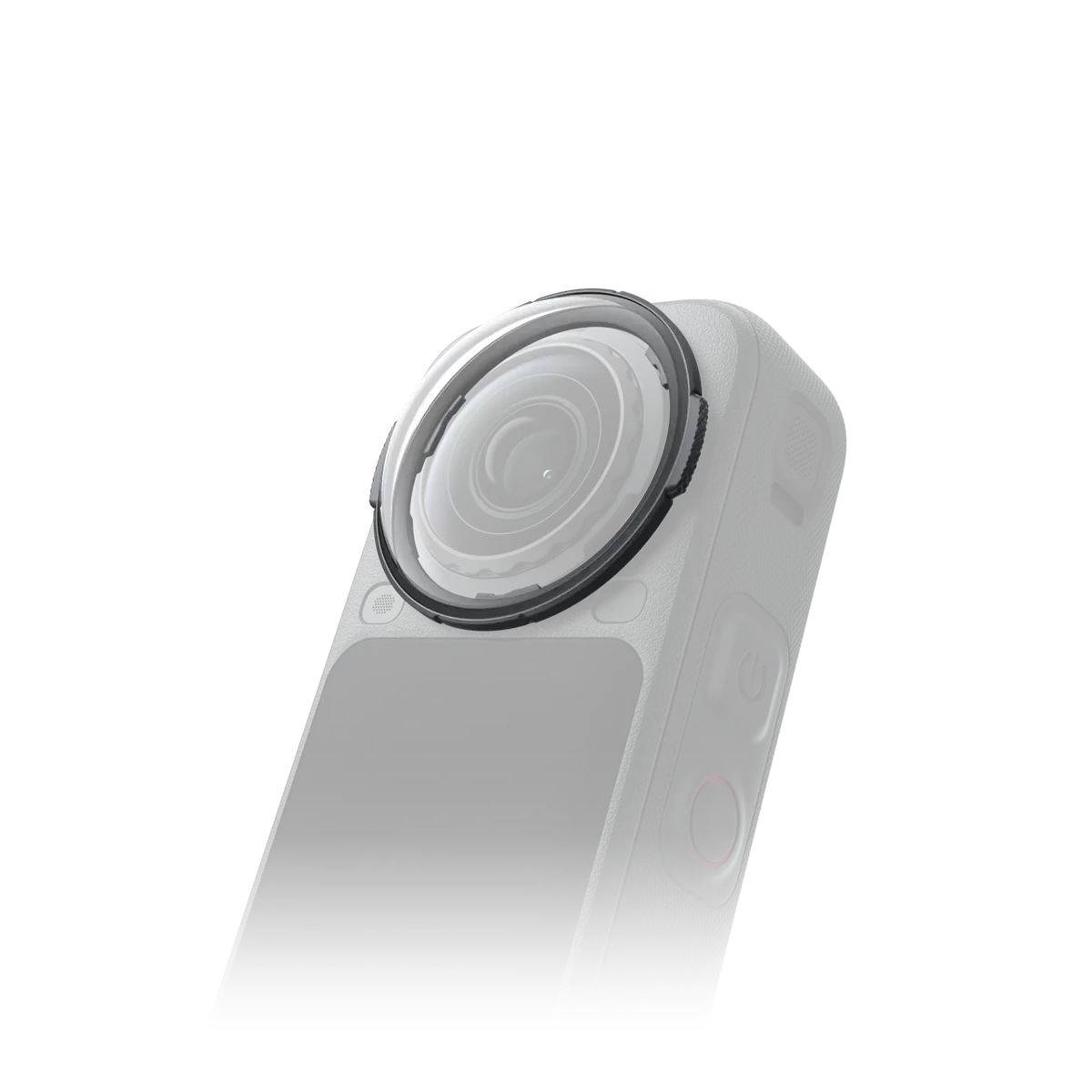
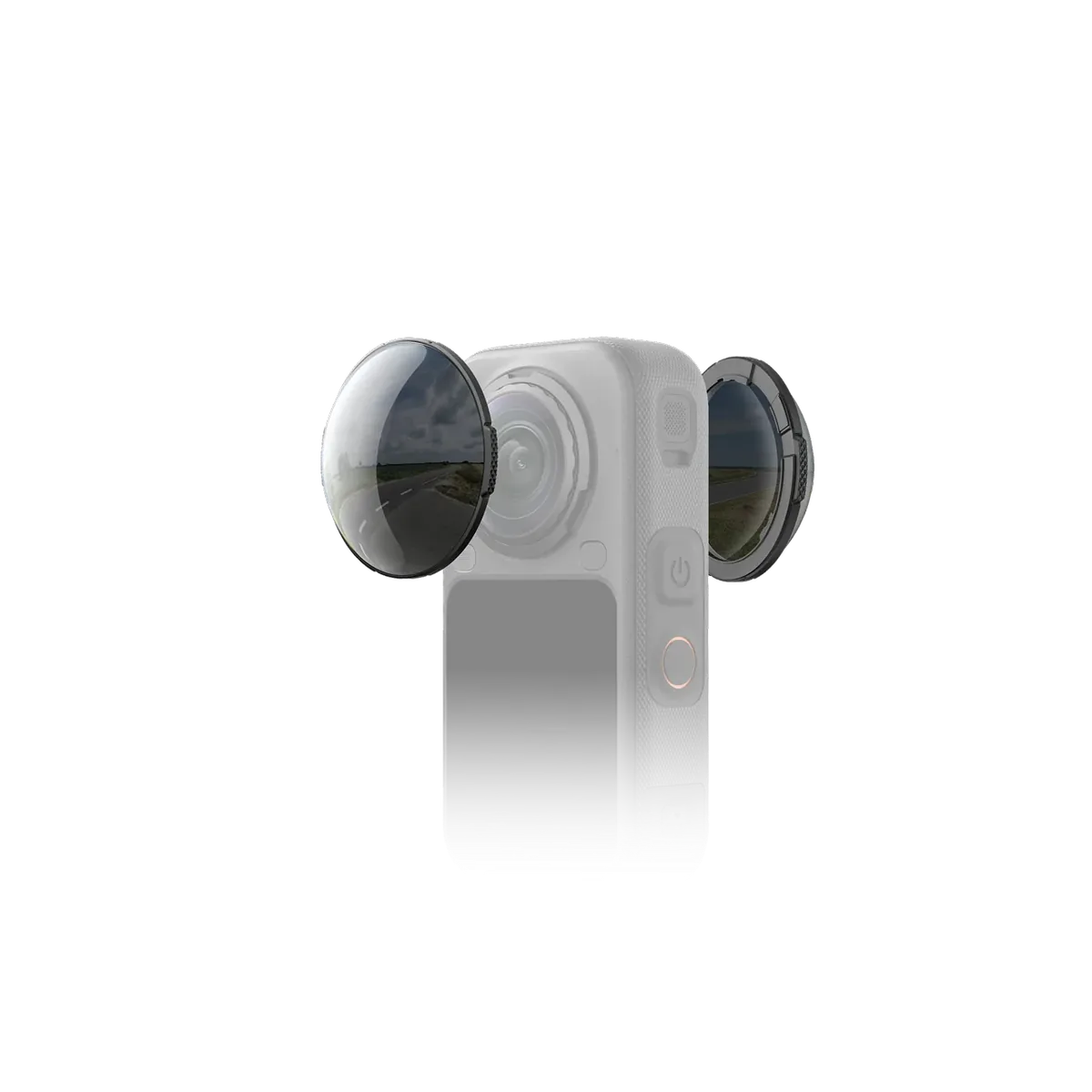
Insta360 ships the X4 with removable lens covers, designed to attach and remove in seconds. For the X5 , the brand offers two levels: standard lens protectors, in scratch-resistant glass, presented for daily use, and premium lens protectors in tempered glass intended for intense activities. Both are removed equally easily.
The principle is that of a phone’s protective film. It's not the lens that you scratch by putting the camera on a camping table, it's the sacrificial piece that covers it. Insta360 also reminds, in its documentation on the assembly of images, to check that the lens protectors are correctly installed and to stick to official accessories rather than third-party equivalents, otherwise the connection between the two images will be damaged.
Actions that prevent almost all scratches
- Never place the camera flat on a lens. Lay it on its back, or better, leave it screwed onto its pole or tripod. The vast majority of scratches happen on the ground, not in action.
- Replace the lens cap as soon as you are no longer filming. Insta360 specifies that this silicone cap fits over the lens caps and protects them from dust and scratches during transport.
- Store it in its rigid case between two sessions, never loose in a bag with keys, a belt buckle or a carabiner.
- Clean with a dry microfiber cloth, never with a piece of a t-shirt: the sand or salt remaining in the fabric transforms the cleaning action into a sanding action.
- Rinse with fresh water after sea, then dry before storing. The X5 is waterproof up to 15 m without a box and the X4 up to 10 m, but the waterproofing does not protect against salt which crystallizes as it dries.
A little-known pitfall: fogging under the lens cover
A lens protector is an attached part: between it and the lens, there remains a thin gap. If water gets stuck there during a swim or a session in the rain, it then slowly evaporates, and the result is immediately visible when mounted in the form of a milky halo on one side of the sphere. The reflex is simple: as soon as you get out of the water, remove the lens protectors, wipe both sides, let it dry, then come back in before the next session.
What can be repaired, and what cannot be repaired
The difference between the two generations is very concrete here, and it deserves to be stated clearly. On the X5, the lenses themselves are replaceable by the user: Insta360 sells a lens replacement kit, priced at €51.99 for the two-lens version on its official store (price noted in August 2026), with the necessary tools. The brand specifies that the operation must be done indoors, in a clean, dust-free environment and under 60% humidity. On the X4, the lens protectors are removable but the lenses cannot be replaced themselves: Insta360 presents this disassembly as a new feature for the X5.
In other words, a deep scratch on a X5 is treated as a wearing part, not as a breakdown. This is one of the real advances of this generation, and it is also what makes the camera much more stress-free to rent with you than it seems.
The next generation keeps that advantage: the Insta360 X6 product page also lists replaceable lenses, with its own replacement kit — here again, a deep scratch is a wearing part, not a breakdown.
And if the accident happens during your rental
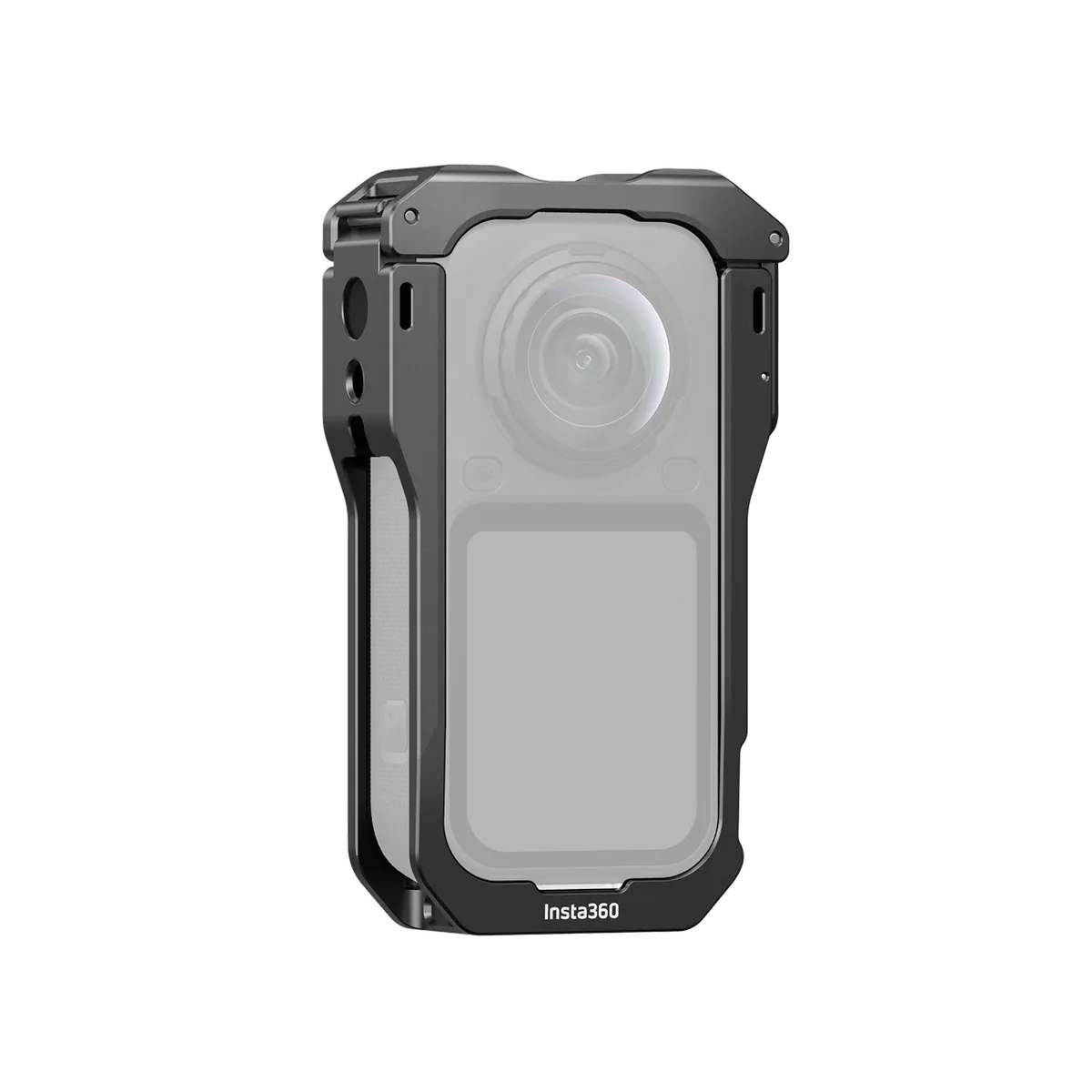
We will not give you an amount in this article, because the conditions are binding and not a blog guide: the breakage and theft insurance as well as the amount of the deductible are displayed on the sheet of each device, next to the price. Read them before confirming your reservation, you will know exactly where you are going. What we can tell you is that the good reflex in the event of an impact is to report the incident as soon as you return, without trying to fix anything yourself: a lens dismantled by an unprepared hand always costs more than a declared scratch.
Let's summarize: keep the lens caps in place, put the cap back on as soon as you stop filming, never place the camera on its lenses, dry after salt water. Four reflexes, and the subject is settled for the entire duration of your rental.
More in this section
 Guides
Buy or rent a drone for a one-off shoot?
Frequency of use, model turnover, insurance, batteries: the comparison by criteria, and the pack you would have to buy new to match it.
6 min read Guides
Hybrid or action camera: which one to take?
You already have a good camera. Is adding an action camera an unnecessary duplication? The answer depends on twenty percent of your stay.
4 min read Guides
Which microSD card for your action camera?
V30, A2, exFAT: three acronyms decide whether your card supports 4K or lets you down in the middle of a descent. And this is how many hours a card really lasts.
4 min read