
Vlogging & creation
Filming in Log: should you really start doing it?
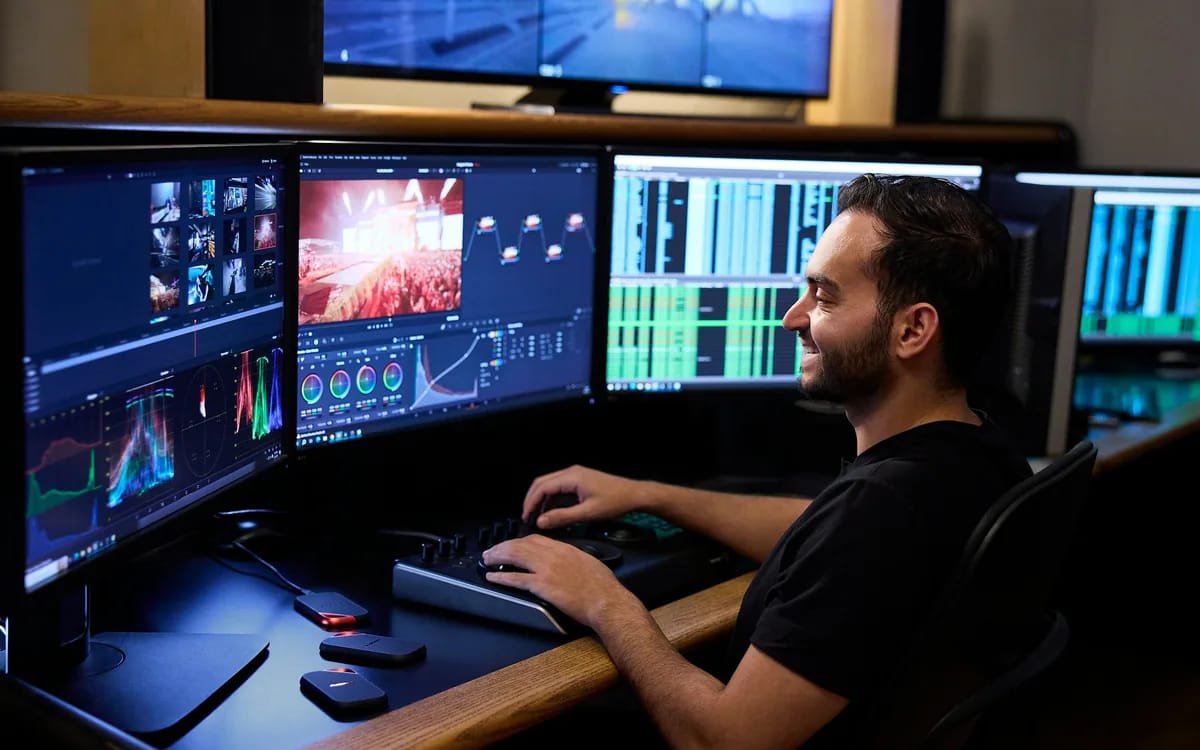
The advice comes up in all the comments: “film in Log, you’ll see the difference”. Then we try, we open the rushes, and we come across a gray, washed out image, without contrast, which looks like an error. This is not an error — this is exactly what the Log is supposed to produce. It remains to be seen whether you need this material, or whether it will just cost you two additional hours of editing per video.
What the Log does, and what it doesn't do
A Log profile records the image with a flattened transfer curve. Instead of applying contrast and saturation right away, the camera retains as much information as possible in the highlights and lowlights, and lets you decide later. This is a postponement of decision, not a gain of magical quality.
What Log really gives you: margin. An overexposed window that can be corrected, a shadow that can be opened without it turning green, an easier correspondence between two shots shot ten minutes apart under a changing light. What it doesn't give you: sharpness, stability, better framing, or an interesting subject. A failed plan in Log remains a failed plan.
The real price: one more assembly step
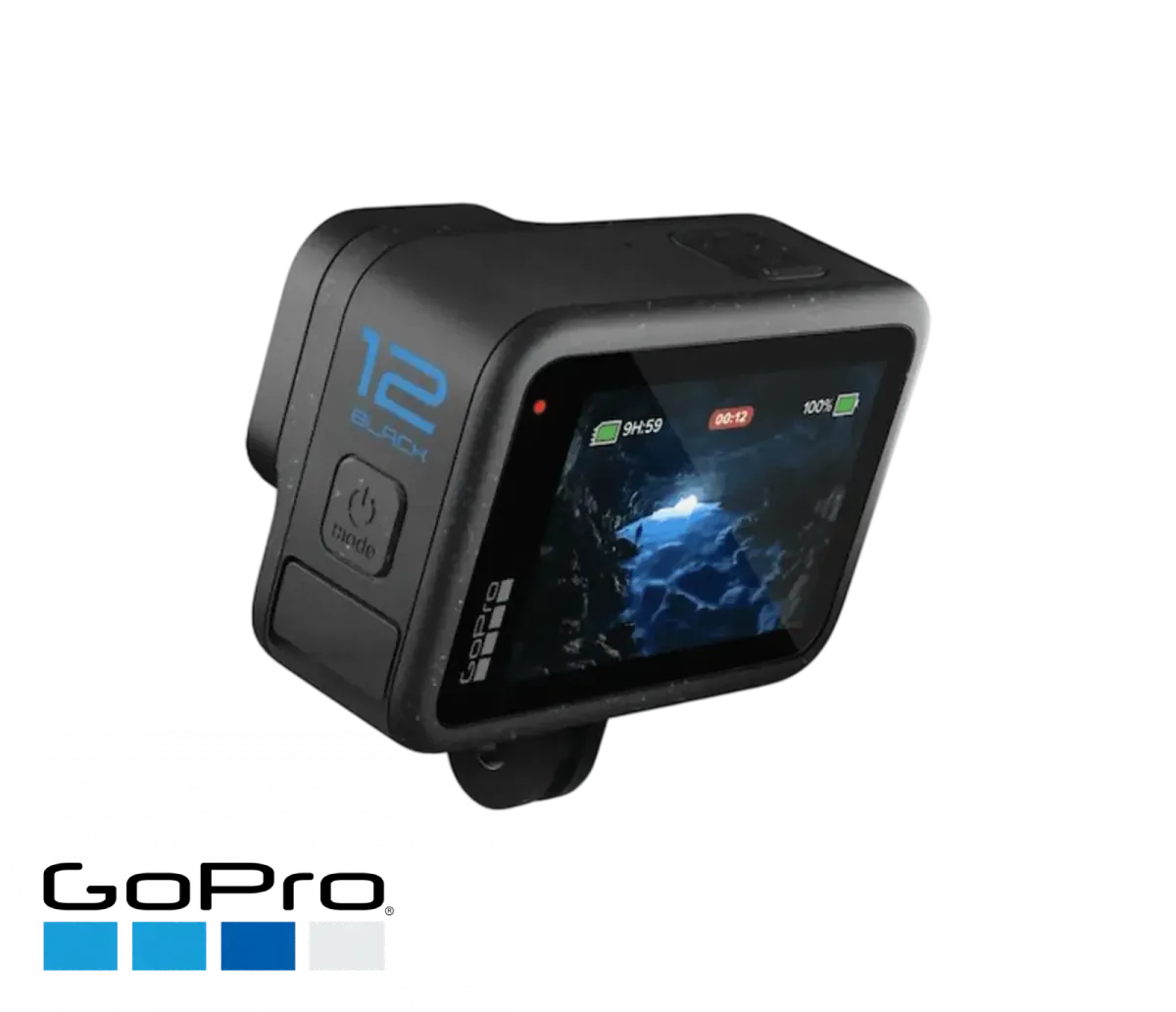
A Log image cannot be viewed as is. You have to apply a color match to it — a LUT — then adjust. Concretely, this means: import, place the LUT on each shot, correct the exposure shot by shot, check that the skin tones hold up. On a ten-minute video edited from forty shots, count on a real working session in addition, on software that manages the calibration.
There is also a cost to filming. In Log, the histogram no longer looks like what you are used to reading, and you have to expose methodically rather than by eye. Many creators give up at this stage, not out of laziness, but because the ratio between effort and the result visible on a phone screen does not suit them.
Three questions to decide
- Are you already color grading? If your videos come out of logging without ever going through a color corrector, the Log will be of no use: you will add a constraint without exploiting the benefit.
- Are you shooting in difficult light? Backlighting, interior with window, sunset, snow: this is where the extra latitude shows. In soft, regular light, the difference becomes marginal.
- Does your deliverable justify it? A thirty-second vertical format, very compressed when broadcast, will not reward the work. An eight-minute travel film, yes.
If you answer no to all three, leave the Log aside without feeling guilty: a well-exposed standard profile beats a poorly calibrated Log in nine cases out of ten.
Try the Log for the price of a rental
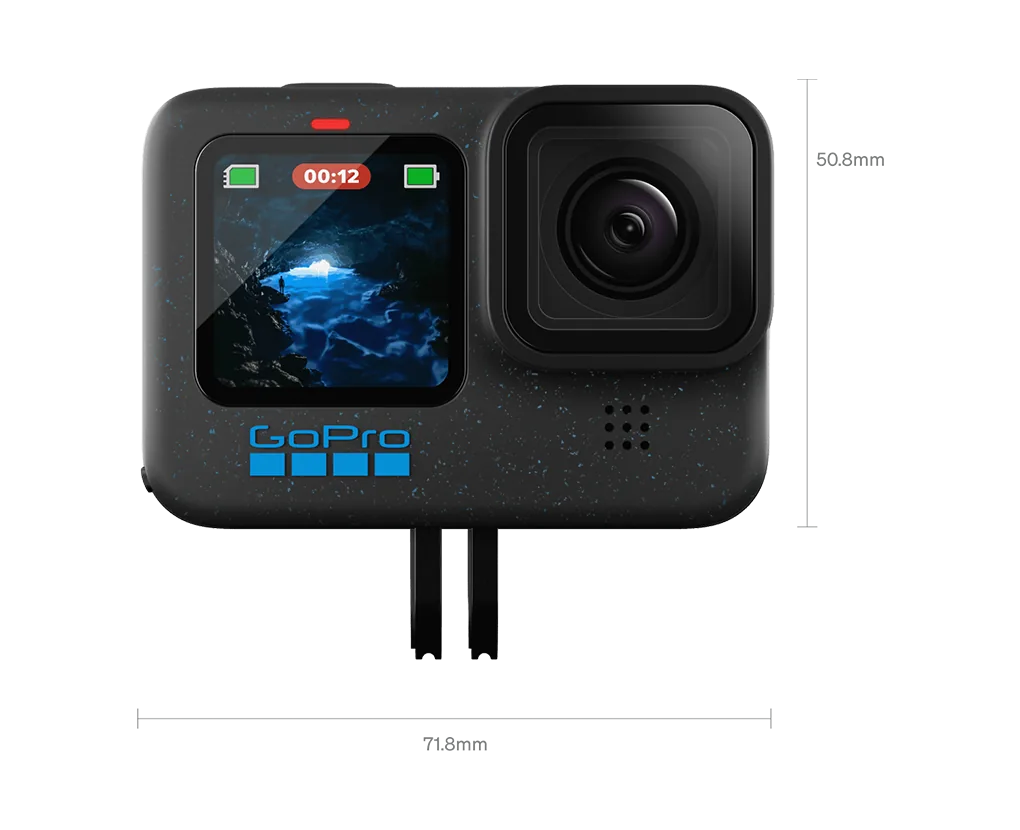
The right way to decide is to try it on a real project rather than reading reviews. And it turns out that the least expensive test is done on an action camera. The official specs sheet for the GoPro HERO 12 Black mentions GP-Log encoding with LUT as well as 10-bit recording at 4K and above. So you have the complete chain – flattened profile, LUT provided, file rich enough to support editing – on a device that fits in a pocket.
The protocol takes one day: shoot the same scene twice, once in standard profile, once in GP-Log, in a tight lighting situation. Mount both versions. If you liked going through the LUT and the result seems better to you, you know that the process is right for you. If you found it a long time, you have just saved the purchase of a case.
The day you go hybrid
The Log profiles of large boxes are the reference, and it is to them that we migrate when the need becomes real. The Sony A7 V, announced at a price of $2,898 for the bare case, gives an idea of the level reached: partially stacked 33-megapixel sensor announced with up to 16 dynamic stops, 4K 60p recording in 10 bits over the entire width of the sensor, 4K 120p in Super 35 crop, S-Log3 and S-Cinetone profiles. Let's be honest: this box is not in our catalog, we do not rent it.
It's a very nice tool. It is also an investment that is only justified after having verified, on real projects, that you like the calibration. Doing this test with a rented camera over a weekend costs the price of a dinner; doing it by buying a box costs much more, and is poorly resold.
More in this section
 Vlogging & creation
First vlog: what equipment to rent to start?
Renting before buying avoids the most expensive mistake: investing in equipment that doesn't suit your way of filming.
2 min read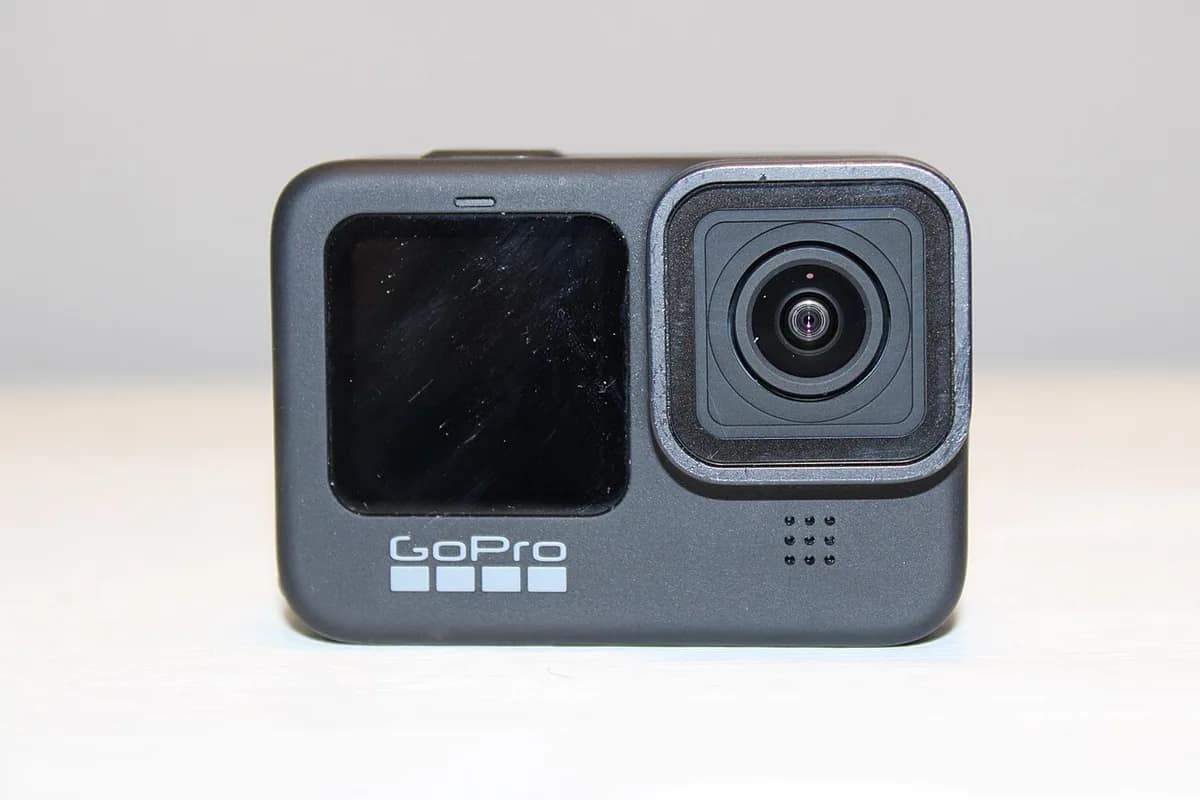 Vlogging & creation
Film your Vacation like a Pro: Ideal Rental Kit
Film your vacation like a professional with our budget rental kits. GoPro, drone, Insta360: the complete guide to successful memories.
4 min read Vlogging & creation
How to Organize and Share Your Videos After Filming
You have just spent a weekend filming: drone above landscapes, action camera in full descent, 360° sequences […]
3 min read