
Action & 360 cameras
Insta360 X6: getting started, the first hour
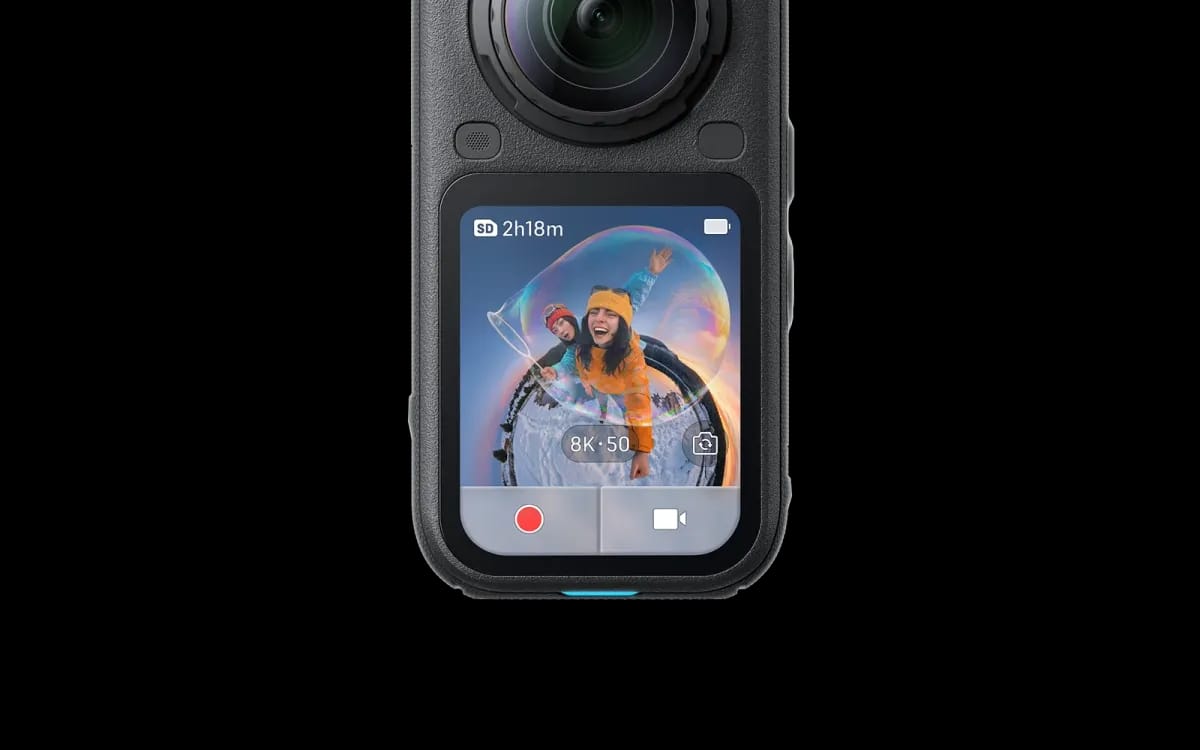
The X6 has been in my catalogue since Thursday 27 August 2026. This page sets out what I would do with the first hour, once the box is open and before the first shot. A warning first, because it governs everything else: I have not filmed with it yet. What you are reading comes from two sources and two only — the Insta360 spec sheet for what the camera does, my own catalogue for what is in the box and for the prices. The day I have held it, I will rewrite this page.
Why this page exists at all
Because nothing else is. With every rental I send out the videos for the model rented. The X4 has five, two of them in French; the X5 also has five, two in French — a settings walkthrough and a demonstration of how to fit the lens guards. The X6 has four, and all four are in English: the official quick-start guide runs two minutes thirty-six, the full tutorial almost forty-three minutes with automatic subtitles, and one of the two app videos has no subtitles at all. A renter who does not read English opens that and closes it again. Hence this page.
What you open
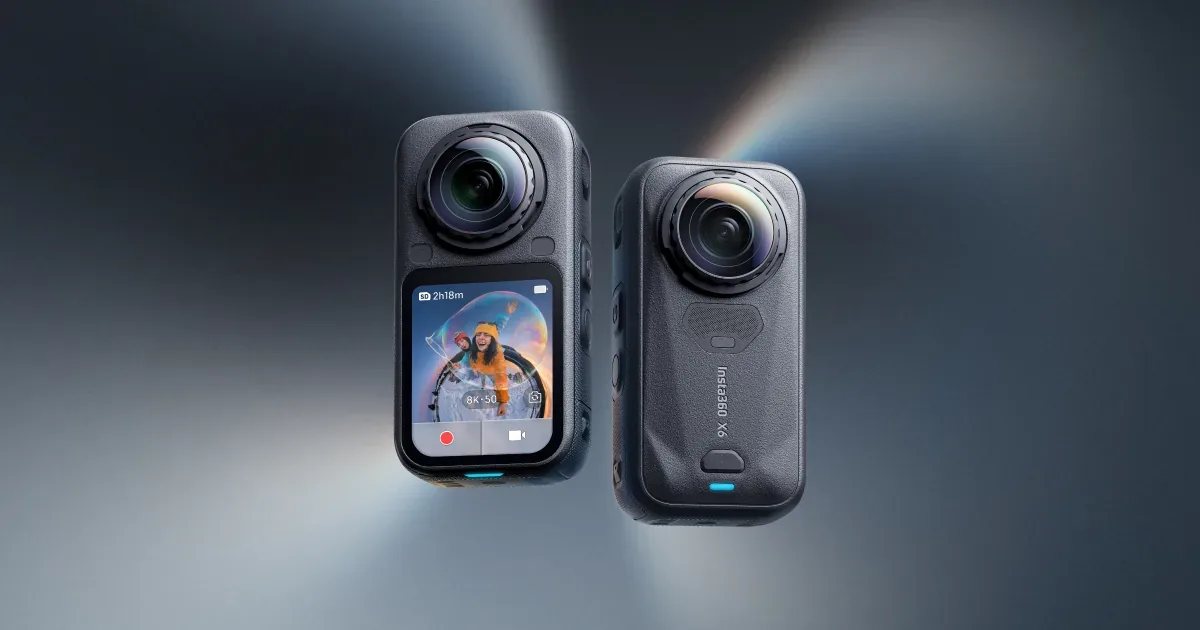
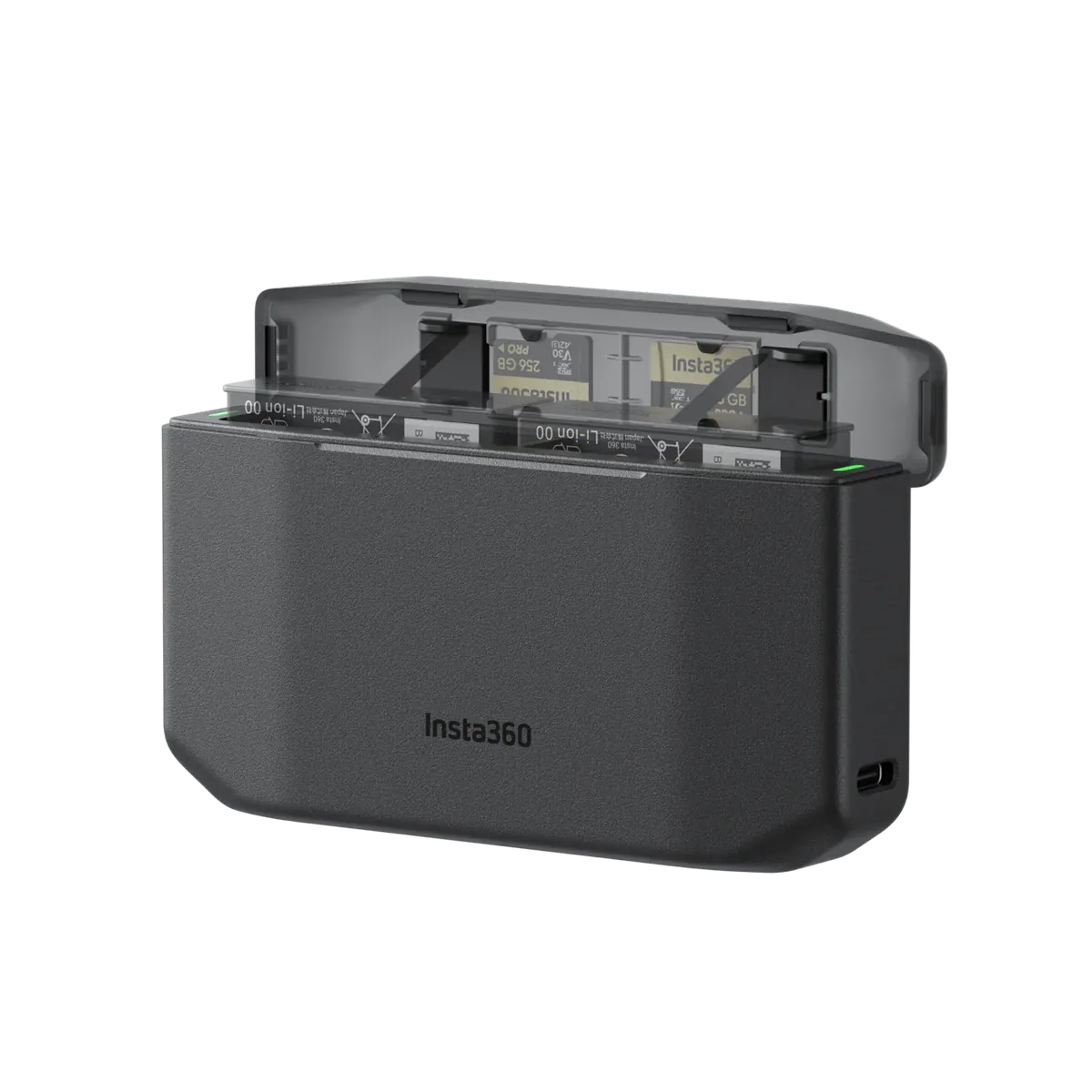
Seven things, and nothing else to buy before you start: the camera, a 2,600 mAh Xtreme battery, a twin charger, a 1 TB SanDisk Extreme microSD card, a 25 W fast charger, a hard carrying case and a 1.10 m invisible selfie stick. All of it is included, at zero euros. The X6 product page carries the current rate, by the day as by the week: those are totals, not per-day prices to multiply.
One detail that matters for this first hour in particular: Insta360 quotes 80 % charge in 24 minutes and 100 % in 35 minutes, but with a 30 W PD PPS charger. The one in the box is 25 W. Treat those two figures as an optimistic floor rather than a promise — and plug the camera in before you read any further.
The four settings that matter
There are dozens. Four actually decide what you bring home.
- Resolution. Insta360 lists three 360° combinations: 8K at 50 frames per second, 6K at 60, 4K at 100. Choose according to where the film will be shown, not according to the biggest number — if the subject moves fast, frame rate counts for more than resolution. The detail is in what 8K at 50 frames really changes.
- The colour profile. Standard (Rec. 709) if you publish as shot. Dolby Vision or 10-bit I-Log only if you intend to grade: footage shot in log and never touched is dull footage, and it is the most common mistake on a rental.
- Horizon lock. FlowState stabilisation and 360° horizon lock are the two reasons anyone rents this kind of body rather than using a phone. They stay on, always.
- The low-light mode. Insta360 calls it PureVideo and caps it at 8K 30 frames per second in 360°. It is a late-afternoon and evening setting, not a default one.
The card: keep the one in the box
The X6 goes up to 240 Mbit/s and Insta360 asks for a UHS-I V30 microSD card as a minimum. The 1 TB SanDisk Extreme supplied holds that rate; an older card, pulled out of a drawer, will cut the recording mid-sequence without warning. There is 64 GB of internal memory, 47 GB of it usable, but that is a safety net, not a place to shoot into. Last point, the one most often forgotten: the card goes back with the camera, so pull your files off before you close the box.
The lenses, the only genuinely fragile part
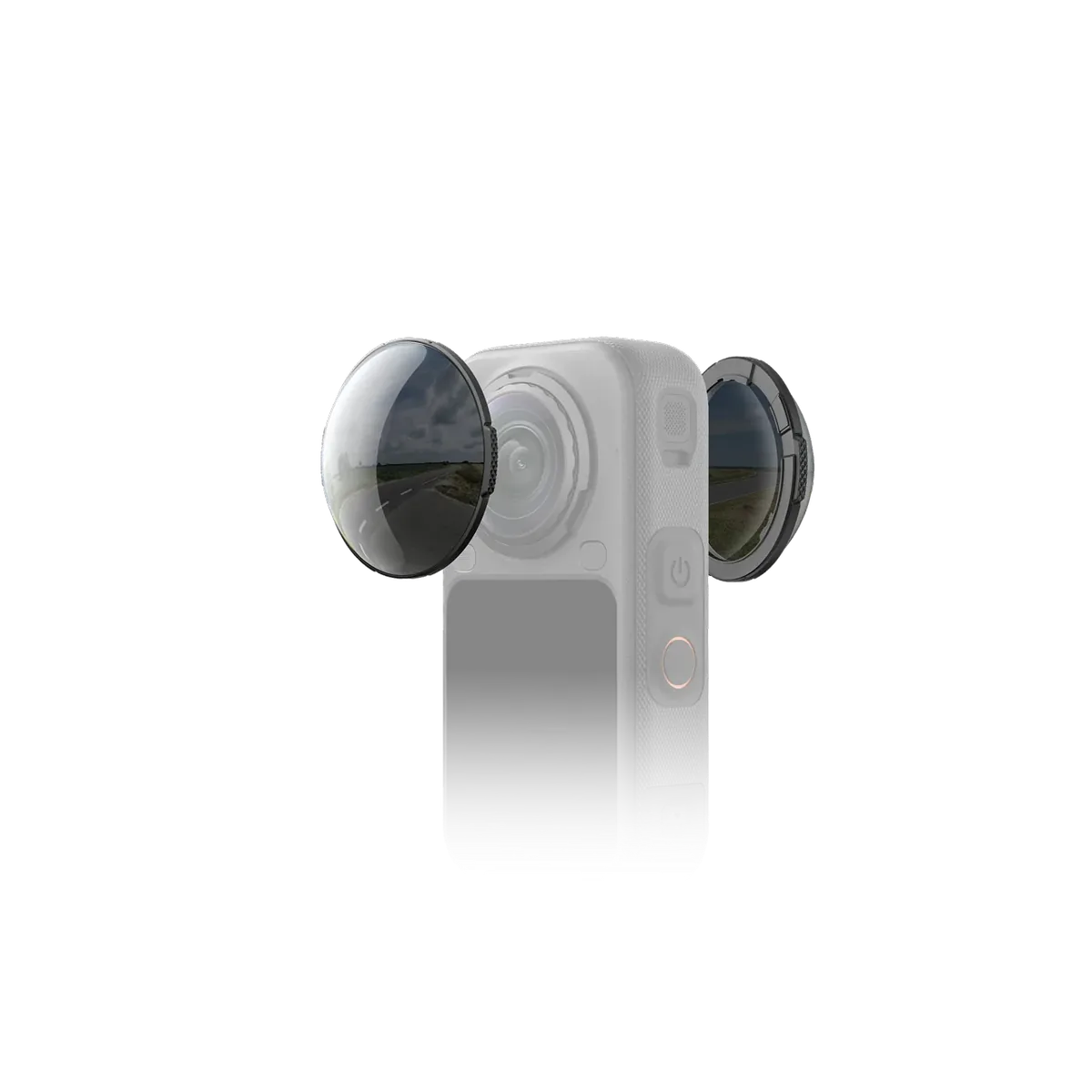
Both lenses bulge outward, they stand proud of the body, and they take every knock. Insta360 says they are replaceable on the X6, with a dedicated kit: that is the good news. The less good news is that the French demonstration exists for the X4 and the X5 but not for the X6 — the gesture is identical, so the X5 video does the job. Between two shots the camera goes back into its hard case, not into a pocket with a bunch of keys. What I check on return is set out in the article on our return inspection.
The first shot, and the three things that spoil it
A 360 camera sees everything, including your placement mistakes. Three are enough to ruin a take:
- A subject sitting on the stitch line, that is, on the axis separating the two lenses, along the edges of the body. That is where the software joins the two images, and that is where it shows.
- An object closer than about fifty centimetres, which comes out distorted.
- The camera too low. At eye level the scene looks natural; at hip level everyone looks enormous.
The 1.10 m invisible stick included in the box fixes all three at once, and it disappears from the image: that is the whole point of the trick, explained in the guide to the invisible selfie stick. The 3 m pole is an optional extra for the whole rental — the rate is given on the X6 product page.
The editing happens on your phone
A 360 video is not watched, it is reframed: you decide afterwards where the camera points. That works perfectly well on a phone, and the method has not changed — the app editing tutorial applies to the X6 as well. A computer only becomes useful beyond a dozen shots, or for a very high resolution export.
What I cannot tell you yet
Real battery life in 8K, the heat after twenty minutes, how clean the stitch line looks on a close shot, how the microphones hold up in wind: those four cannot be written from a spec sheet. Insta360 quotes 140 minutes in 8K at 30 frames per second with the Xtreme battery; I will not repeat that as my own figure until I have timed it myself. The rest of the practical questions — deposit, duration, collection in Lyon — are gathered in the X6 frequently asked questions.
More in this section
 Action & 360 cameras
Renting the X6 and the Pocket 4P together: what drops, what doubles
Two cameras on the same dates is not two rentals: it is one rental with two lines. What the sliding scale brings down, what the excesses double, and the three cases where the second body just sleeps in the bag.
4 min read Action & 360 cameras
Insta360 X6 or DJI Osmo Pocket 4P: what to rent?
A 360 camera that records everything and frames during editing, or a pocket camera on a gimbal that frames just during filming: the choice comes down to a single criterion.
4 min read Action & 360 cameras
Osmo Pocket 4P or GoPro HERO 12: Which one to rent?
One is held by hand and tightened, the other straps and takes on water. The table of differences, and the five questions that decide for you.
4 min read