
Events
Stage lighting: why the picture flickers
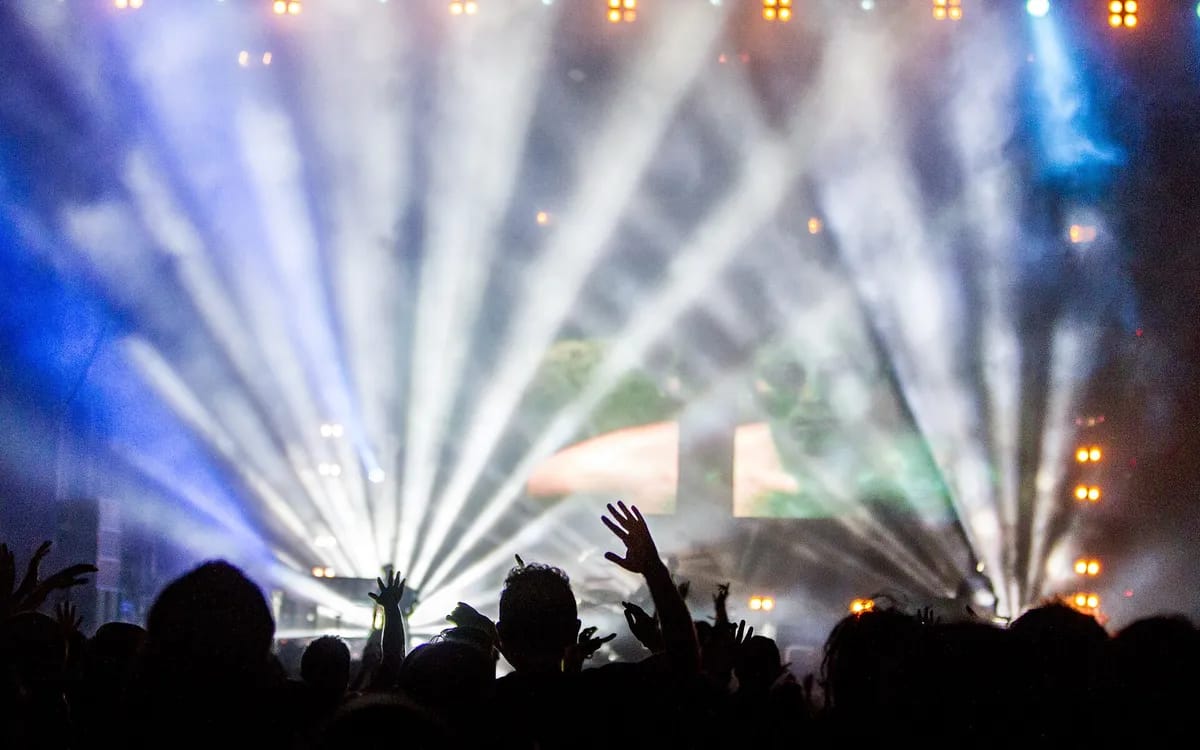
You come back from a concert, a gala, a party. To the eye, the light was superb. On the video, a dark band rolls down the picture on a loop, or the brightness pulses like a tired fluorescent tube. This is neither a camera fault nor an obvious setting mistake: it is the meeting of two clocks that do not run at the same speed.
What the camera sees and the eye does not
Almost no show lighting shines continuously. In France the mains alternates fifty times a second, so a source fed directly from it pulses a hundred times a second. LED fixtures do not dim by lowering voltage: they switch on and off very fast, and it is the proportion of on-time that sets the intensity. A fixture at thirty per cent is in fact off two thirds of the time.
The eye does not see it: it averages. The sensor samples. It opens for a fraction of a second, closes, starts again — and depending on where that opening falls in the lamp’s cycle, it catches more or less light. From one frame to the next, exposure changes. That is flicker.
Two faults, two causes
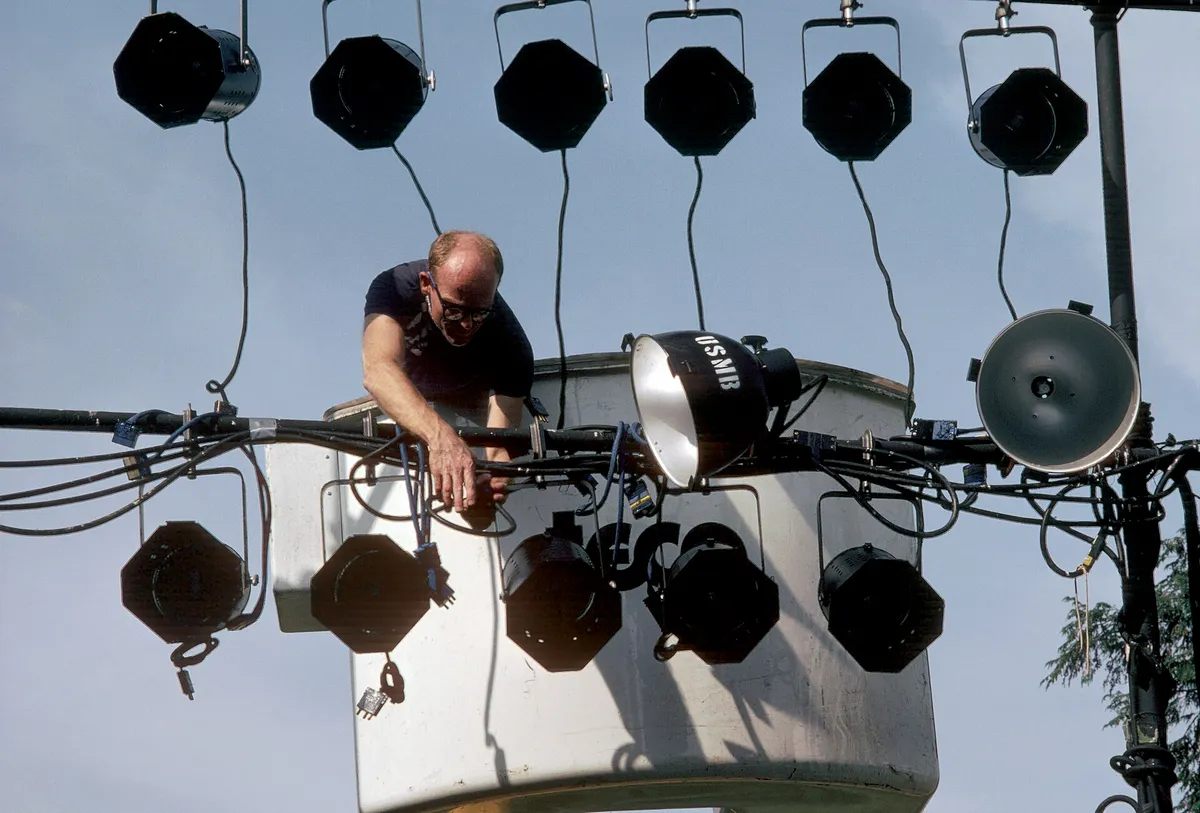
Flicker and banding are often confused. They are two distinct things and they are not fixed the same way. Flicker affects the whole frame at once: it brightens and darkens. Banding comes from the way most sensors read the image — line by line, top to bottom, over a few milliseconds. If the lamp goes dark during that read, the lines read at that instant are darker than the rest.
| What you see | What causes it | Where to start |
|---|---|---|
| The whole frame pulses | The shutter speed does not land squarely in the lamp’s cycle | Lock the shutter to 1/50 or 1/100 s |
| Bands roll from top to bottom | The fixture switches faster than the mains — electronic dimming | Ask for the fixture’s flicker-free mode, otherwise fine-tune the shutter |
| A backdrop screen ripples | The LED wall refreshes at its own rate | Change the frame rate, or shoot the screen at an angle |
The setting that fixes the most cases
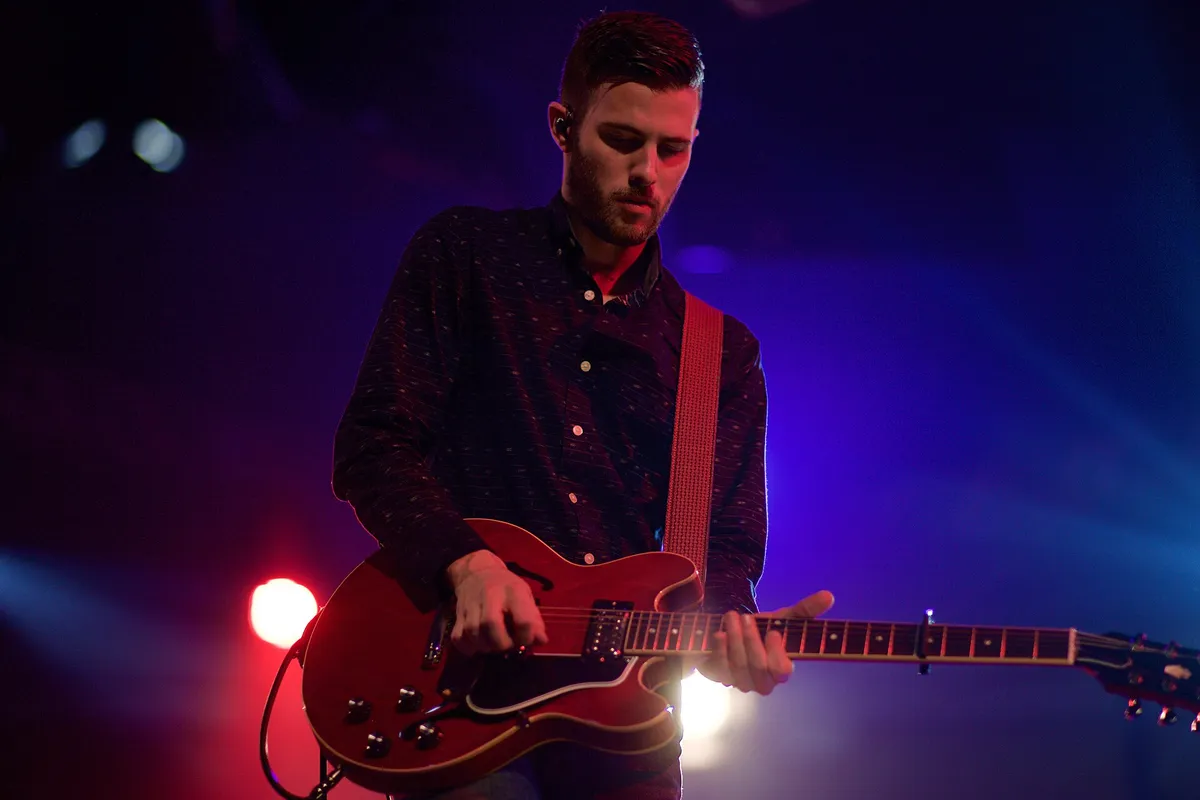
The basic reflex fits in one sentence: in Europe you lock the shutter speed to 1/50 or 1/100 s and never leave it on automatic. In automatic, the camera corrects exposure by changing the shutter, so it constantly changes its relationship to the lamps’ cycle — and manufactures the very flicker you are trying to avoid.
That settles everything fed from the mains. It does not settle fixtures with fast electronic dimming, which switch at their own rate, unrelated to the grid. For those, the only real fix is at the fixture: most recent models have a flicker-free mode that raises that rate high enough for the sensor to stop seeing it. It is a box to tick in the fixture’s menu, not in the camera’s.
Colour, the other trap
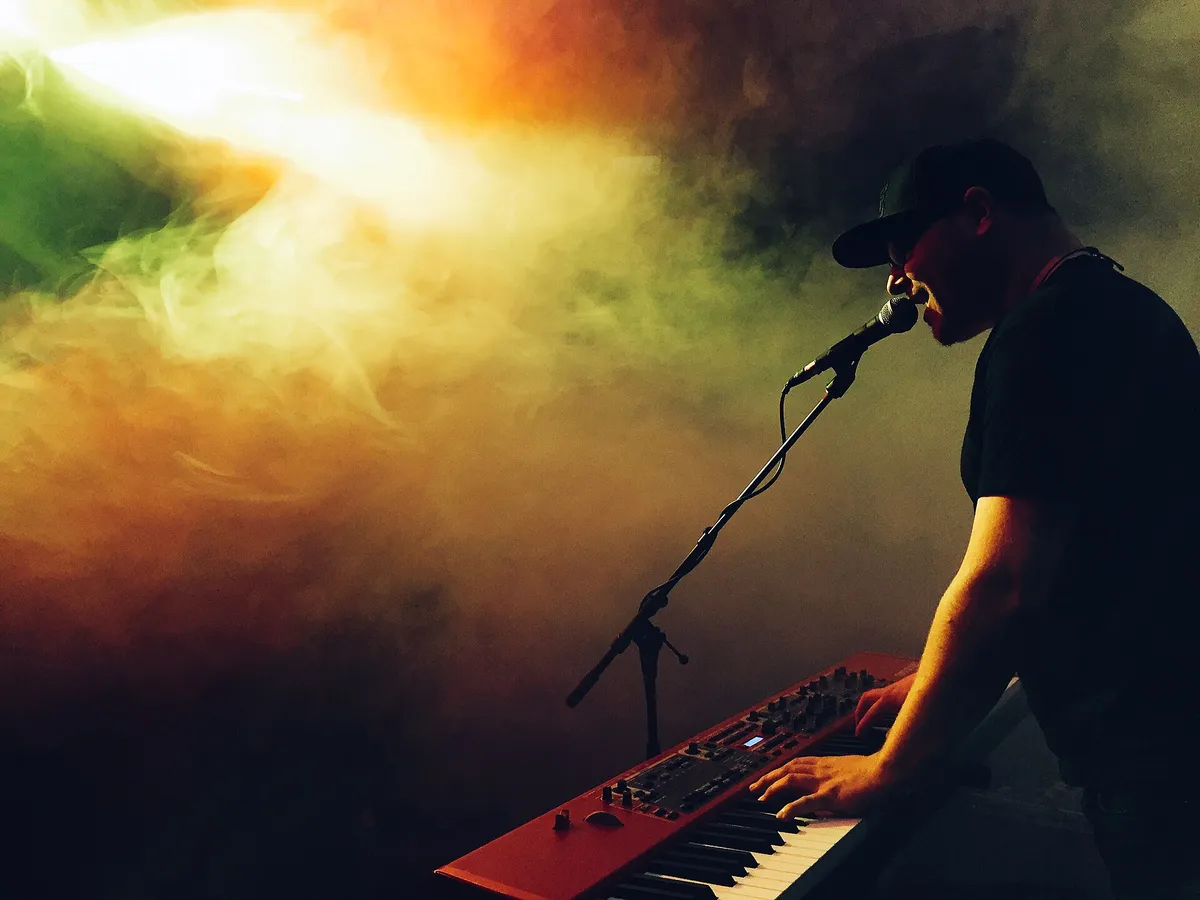
Once flicker is dealt with, colour remains, and it is often colour that ruins party footage most. A red LED fixture does not emit white tinted red: it emits little other than red. The sensor then receives almost all its signal on a single channel, which clips before the others — a face lit full red becomes a uniform patch, with no nose and no eyes, and no editing software will recover what was never recorded.
Two moves are enough. Expose for the channel that clips, not for the average: in practice, underexpose slightly as soon as red dominates. And lock the white balance to a chosen value, because on automatic it chases a light that changes colour every four seconds, and the shot turns into lukewarm mush. Shooting in Log helps with brightness range, but it does not recover a clipped channel.
What is settled with the lighting operator, not the camera
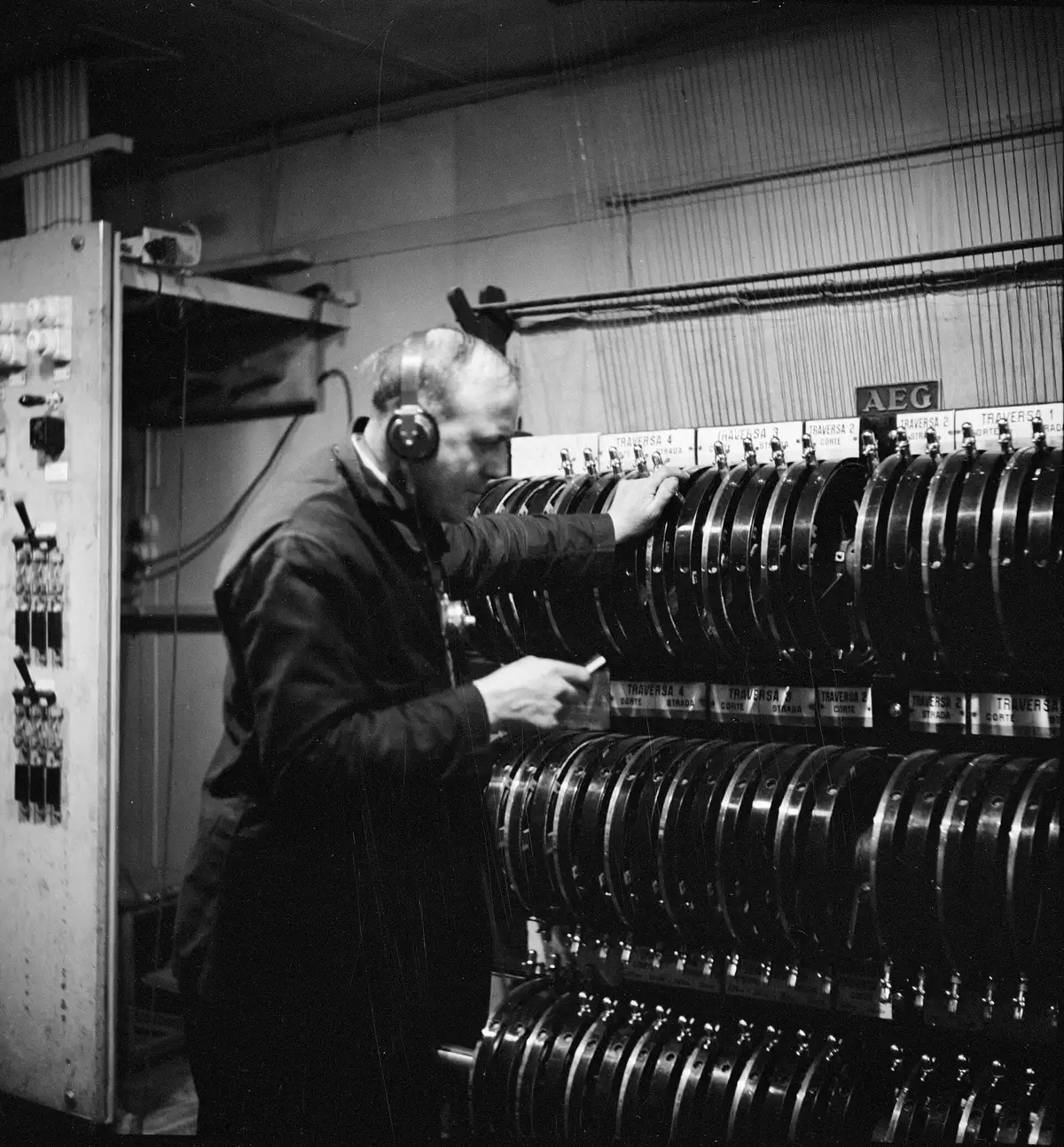
The person at the lighting desk can do in thirty seconds what the camera will never do. Three requests fit in one sentence each, and they cost a lighting operator nothing if you ask before the sound check rather than in the middle of the first number.
- Switch the fixtures to their flicker-free mode, if they have one.
- Keep a little white in the wide shot: a single pure colour across the whole room leaves nothing to expose for.
- Warn before abrupt changes — full blackout, strobe — so nobody cuts at the wrong instant.
The strobe, precisely, cannot be salvaged. No setting makes footage shot under a strobe clean: the light exists for an instant only, and all you can do is choose to film something else meanwhile. Better to know in advance, which means knowing the running order — the same subject as filming a concert or a festival, seen from the lighting end.
When the light is already rigged and you must live with it
At many parties nobody is at a lighting desk: the rig runs on its own programme and there is no one to ask anything of. In that case the margin comes from framing. Shooting a little wider than you would like leaves the edit room to cut a take spoiled by banding. And keeping one steady source — a room light, a candle, a string of lights — in a corner of the frame gives the edit a reference point that does not move.
If you would rather hand the evening over than arbitrate all this live, describe the venue and the kind of lighting in the service form: knowing there will be moving heads and a backdrop screen changes the settings before anyone arrives.
More in this section
 Events
instax photo guest book: how it works
Setting up a photo guest book that works all evening: installation, instructions, reloading the film, managing duplicates, without improvising anything.
5 min read Events
Filming a speech without cutting the emotion
A speech is not filmed like a scene: it is endured. Where to stand, when not to move, and what a second angle really costs.
5 min read Events
A party’s running order, seen by the camera
Read by an organiser, a running order gives times. Read by a camera, it gives a shot list — including five minutes that are never played twice.
5 min read