
DJ & sound system
Connect the Pioneer XDJ-RX3 to rekordbox: USB Stick or Computer

Contents
To play on a Pioneer XDJ-RX3 with rekordbox, the simplest way is to export your playlists to a USB stick from rekordbox, then plug the stick into the unit: tracks, cue points and playlists appear on the screen, no computer needed. You can also connect a computer by USB and control rekordbox live. Here are the four steps, from installation to the party.
Know before you plan: DJ equipment cannot be shipped. He withdraws and goes in person to Lyon 3 (2 Impasse du Lutin, 69003 Lyon), by appointment. The excess shown on the product page is paid on site at the drop-off and returned to you on return.
 CC0 · Wikimedia Commons
See also: turntable rental or DJ pack to rent.
What is Rekordbox and what is it for?
Rekordbox is the software developed by Pioneer DJ to organize, analyze and prepare your music library. Concretely, it allows you to import your songs, create playlists, analyze tempos and set benchmarks before even touching the controller. It’s the ultimate preparation tool for anyone who wants to arrive ready to mix.
The advantage: all the work done upstream on your computer can then be directly used on the Pioneer XDJ-RX3 . You save precious time and limit stress during the service.
Step 1: Install and organize your library
First of all, download Rekordbox from Pioneer DJ official website and install it on your computer. Once launched, import your songs into the library. The software then analyzes each file to detect characteristics useful for reading.
Then take the time to structure your collection:
- Create playlists by atmosphere, by time of evening or by musical style.
- Organize your folders to quickly find your songs during the set.
- Check the analysis of the tempos to make your sequences easier.
A tidy bookcase is half the battle: you'll navigate without hesitation, even in the heat of the moment.
Step 2: Prepare your markers and loops
Rekordbox allows you to set cue points and loops on your songs in advance. These markers help you start a title in the right place or complete a key passage without fumbling. For an important evening, this preparatory work makes a real difference to the quality of your transitions.
 CC0 · Wikimedia Commons
Step 3: export your songs to USB stick
This is the simplest and most reliable method for using the XDJ-RX3 independently, without a connected computer:
- Plug a USB drive into your computer.
- In Rekordbox, export your playlists and songs to the key via the export mode provided for this purpose.
- Wait for the transfer to complete, then properly eject the key.
On the big day, all you have to do is plug this key directly into the controller: your playlists, markers and organization are immediately available on the screen. This is the solution favored by many DJs for its simplicity and robustness. If you do not have rekordbox at hand, the online tool DJ Set prepares a key readable by the XDJ-RX3 from your audio files.
Step 4: Connect the Computer Live
The XDJ-RX3 can also work directly with a computer running Rekordbox. This configuration appeals to those who prefer to control their library from their computer screen. Simply connect the two devices and let the software establish communication. Whatever method you choose, the main thing remains to test your installation before the event.
Our advice for a smooth evening
A few simple reflexes will save you a lot of trouble:
- Test your hardware upon receipt: plug in, load your songs, check that everything responds.
- Have a backup USB key with a copy of your library.
- Update Rekordbox before preparing your exports.
- Arrive in advance at the event location to set up and set up your sound in peace.
Rent your Pioneer XDJ-RX3 at Fox Rider
Preparing your set with Rekordbox means giving yourself every chance of having a successful evening. And with rental, you gain access to a verified, ready-to-use professional controller without the investment of purchasing.
Discover the Pioneer XDJ-RX3 for rental on fox-rider.com and book now. Collection and return by hand in Lyon 3, the security deposit shown on the product page, left at handover and returned when the gear comes back, and technical support available to assist you: everything is there to ensure that your service is a success.
See also: DJ controller rental or DJ kit rental.
More in this section
 CC0 · Wikimedia CommonsDJ & sound system
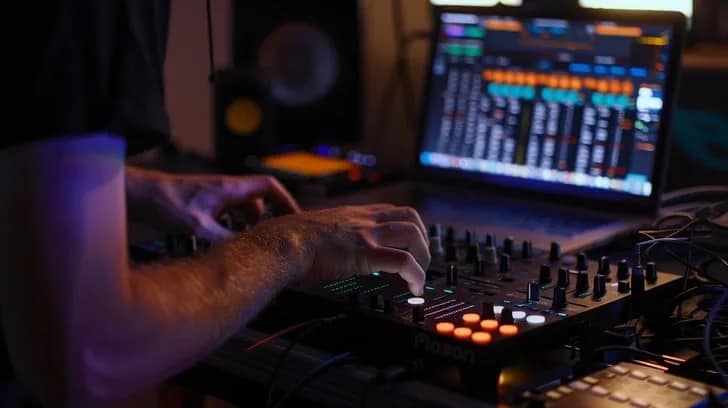
DJ mix: 5 transitions to keep you on track
Master 5 essential transition techniques to move songs together fluidly. From beatmatching to cutting, become the DJ of the evening.
5 min read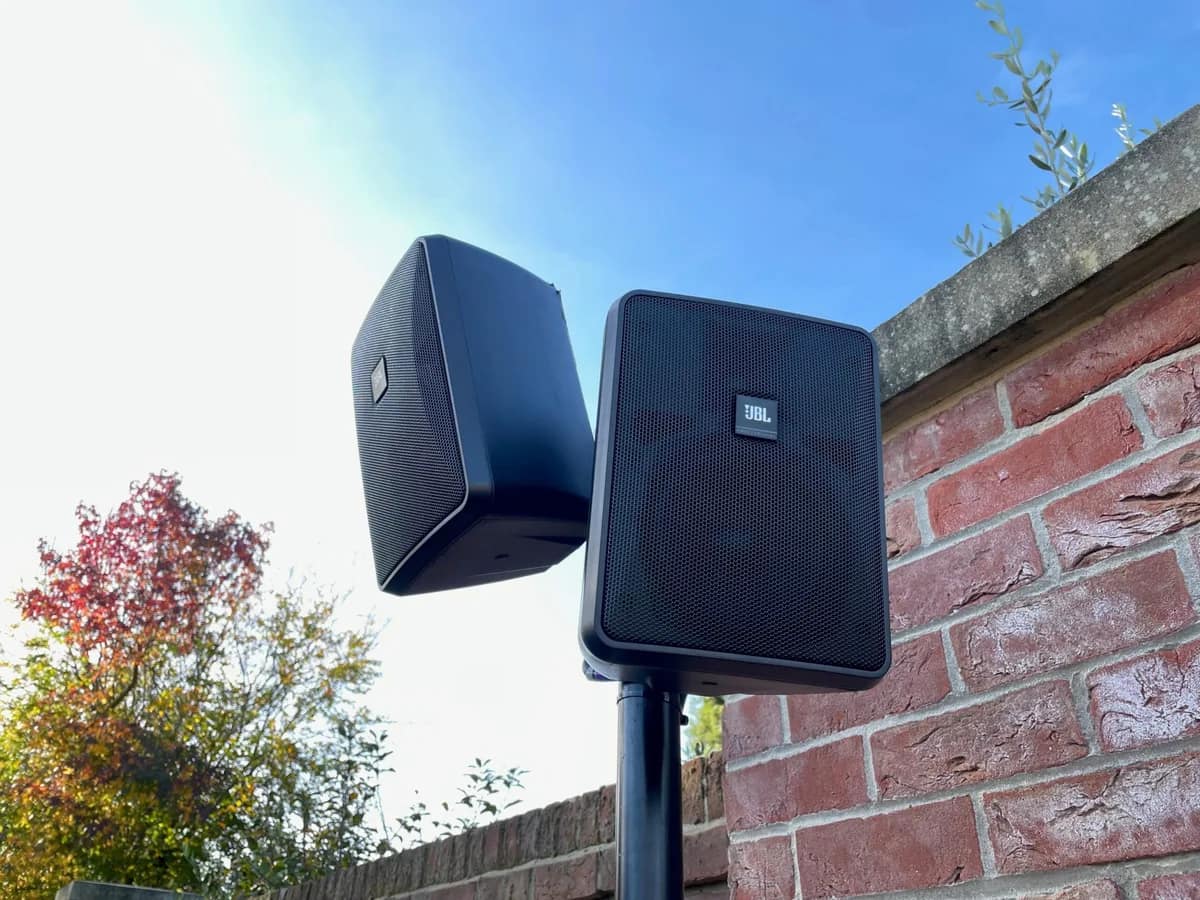 CC0 · Wikimedia CommonsDJ & sound system
Wedding sound system: speakers, microphone and setup
A wedding sound system is planned moment by moment: ceremony, drinks reception, speeches, dance floor. Speakers, microphone, placement and setup explained.
6 min read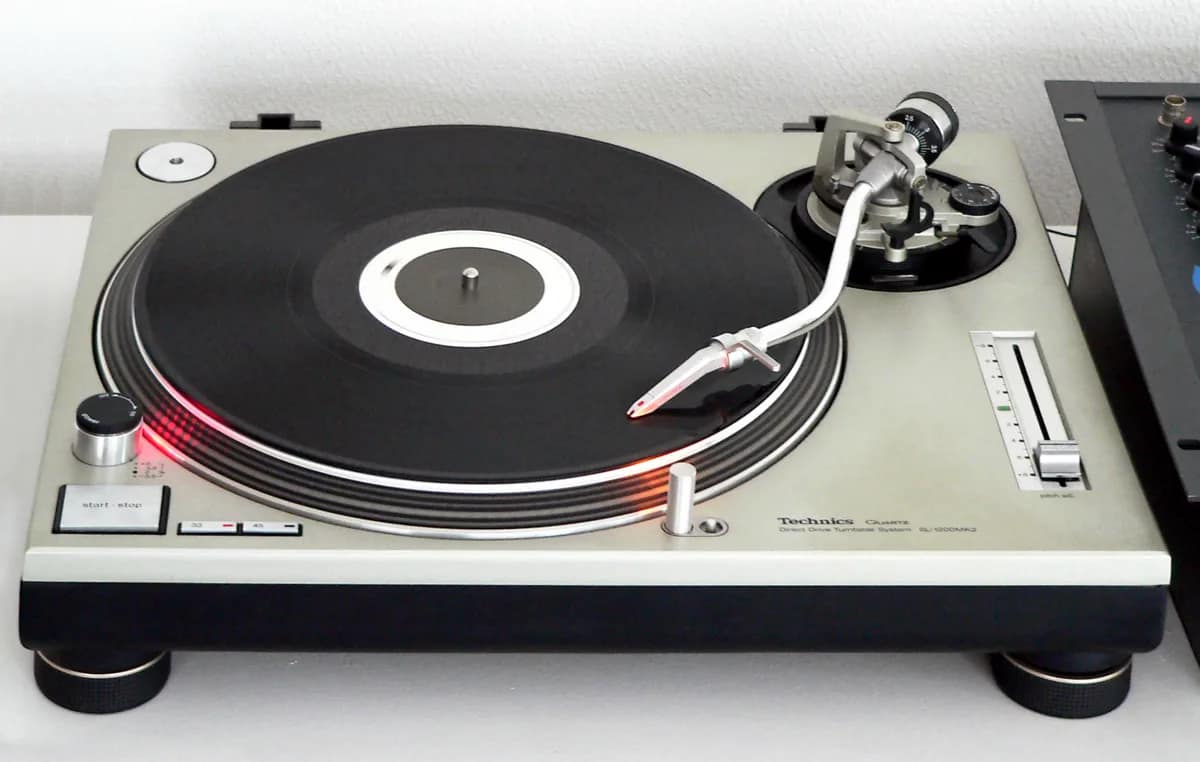 CC0 · Wikimedia CommonsDJ & sound system
Technics SL-1210 MK2: Why It Remains the DJ Turntable of Reference
The Technics SL-1210 MK2 has been THE benchmark for DJ turntables since 1979. A look back at the history of a myth that is still essential in 2026.
4 min read