
DJ & sound system
The basics of beatmatching on vinyl turntables

Contents
Beatmatching is the founding gesture of the vinyl DJ: manually synchronizing the tempo of two songs to create a fluid transition, without the slightest break. Unlike the auto-sync of digital controllers, this technique relies entirely on ear, practice, and patience. It's demanding at first, but it's also what distinguishes a real DJ from a simple playlist player. Here's the step-by-step method to get you started.
Know before you plan: DJ equipment cannot be shipped. He withdraws and goes in person to Lyon 3 (2 Impasse du Lutin, 69003 Lyon), by appointment. The excess of €200 is paid on site at the drop-off and returned to you on return.
See also: sound packs to rent in Lyon.
Why learn on vinyl
The return to records is not just a nostalgic fashion: the turntable imposes a discipline that digital technology tends to erase. Without a screen displaying the BPM or a sync button, you learn to really listen to the music.
- The touch: setting a piece by hand gives you a precision that the Sync button will never teach you.
- Listening: deprived of a digital crutch, you refine your sense of tempo and musical phrase.
- Culture: searching the bins and choosing your records is already telling a story.
- The gesture: scratching and manipulations only take on their full meaning on an analog turntable.

The equipment you need
A vinyl setup is based on a few elements, but each one must be reliable and well adjusted. No need to stack gadgets:
- Two plates: the Technics SL-1210 MK2 are the benchmark for their motor torque and speed stability.
- A mixing desk: it centralizes everything, with its channels, its crossfader and its equalization.
- Quality cells: Ortofon Concorde, for example, read the groove reliably and follow it without dropping out.
- DJ headphones: without it, no pre-listening or tuning is possible.
- Speakers sized for your space, from the living room to the reception room.
Understanding BPM and Tempo
BPM (Beats Per Minute) refers to the speed of a song. To mix two tracks together, they must run at the same tempo. On a Technics SL-1210 MK2 turntable, the pitch fader allows you to speed up or slow down the rotation of the record, and therefore adjust the BPM.
Most electronic music tracks run between 120 and 130 BPM. Hip-hop tends to be between 85 and 100 BPM, while drum and bass climbs to 170-180 BPM. To start, choose songs located in the same tempo range: synchronization will be much easier.
Step 1: locate the first beat
Before starting the second disc, identify the first beat (the kick, or bass drum) of the song that is playing. This is your reference point. Place your hand on the waiting record and prepare to release it right on the first beat of the current song.
Listening with headphones
Use your mixer's cue to listen to the record waiting in your headphones, while the audience hears the track being played. This double listening, headphones on one side and system on the other, is the very heart of beatmatching.
 Public domain · Wikimedia Commons
Step 2: Launch and Adjust
Release the record on the first beat, then listen in your headphones to see if the two kicks are in sync. If the new song moves too quickly, lightly brake the record with your fingertip. If he is too slow, give him a little push on the edge of the board.
Then adjust the pitch fader so that the two songs stay in sync without constant manual intervention. This is the step that requires the most practice: finding the exact position of the pitch so that the tempos coincide perfectly and sustainably.
Step 3: transition and bass swap
Once the two songs are aligned, use the volume faders and the equalization of your table to gradually move from one title to the other. First cut the bass of the incoming song to avoid the double kick effect, increase its volume, then bring back its bass at the same time as you cut those of the outgoing song: this is the bass swap, the bass exchange which avoids impasto and keeps a clean sound. A successful transition is one that the public doesn't even notice.
Classic beginner's mistakes
- Releasing the disc too early or too late compared to the first beat.
- Correcting the tempo too abruptly instead of making micro-adjustments.
- Do not listen long enough on headphones before turning up the volume.
- Choose songs whose BPMs are too far apart.
How long does it take to master beatmatching?
Allow between 2 and 4 weeks of regular practice, or around 30 minutes per day, to start scoring pieces reliably. Complete mastery, with imperceptible transitions, takes several months. But the pleasure comes from the very first successful synchronizations.

Adapt your set to the event
Technique is only half the job: the rest is selection. Each context calls for a different approach.
- Private evening: vary the styles, rely on unifying classics and build up the energy in stages.
- Lounge atmosphere: stick to groovy songs at a moderate tempo, with soft transitions and very few effects.
- Club evening: combine house and techno in a tense and continuous mix, where each passage is precise.
- Wedding: plan the widest range, from dinner to the runway, to speak to all generations.
Prepare your crate by managing the energy like a wave: a gentle start, a gradual rise, controlled descents before restarting. On vinyl more than elsewhere, each disc placed is an assumed choice.
Train without investing
Renting DJ equipment is ideal for learning without breaking the bank. A pair of Technics turntables to plug into your own mixer, or a Pioneer XDJ-RX3 , allows you to practice over a weekend without paying the price of new equipment. Take a look at all our DJ equipment for rental to create the setup that suits you. This is the best way to check if vinyl DJing is right for you before committing to a purchase.
Conclusion
Beatmatching cannot be bought, it must be worked on. Understanding the tempo, finding the first beat, starting, adjusting and transitioning: these gestures become second nature with practice. The hardest part is getting started.
To get started without investing, Fox Rider offers a pair of Technics SL-1210 MK2 turntables and a Pioneer XDJ-RX3 console for rental to be collected in Lyon 3, with a €200 security deposit left at handover and returned when the gear comes back: everything is detailed on the DJ turntable rental in Lyon page. Enough to put down your first mixes in the best conditions.
See also: sound system packs.
More in this section
 CC0 · Wikimedia CommonsDJ & sound system
Birthday sound system: what equipment for the party?
Flat, village hall or garden: the venue decides the sound system for a birthday. Which speakers, which subwoofer, which microphone, and how to set it all up.
5 min read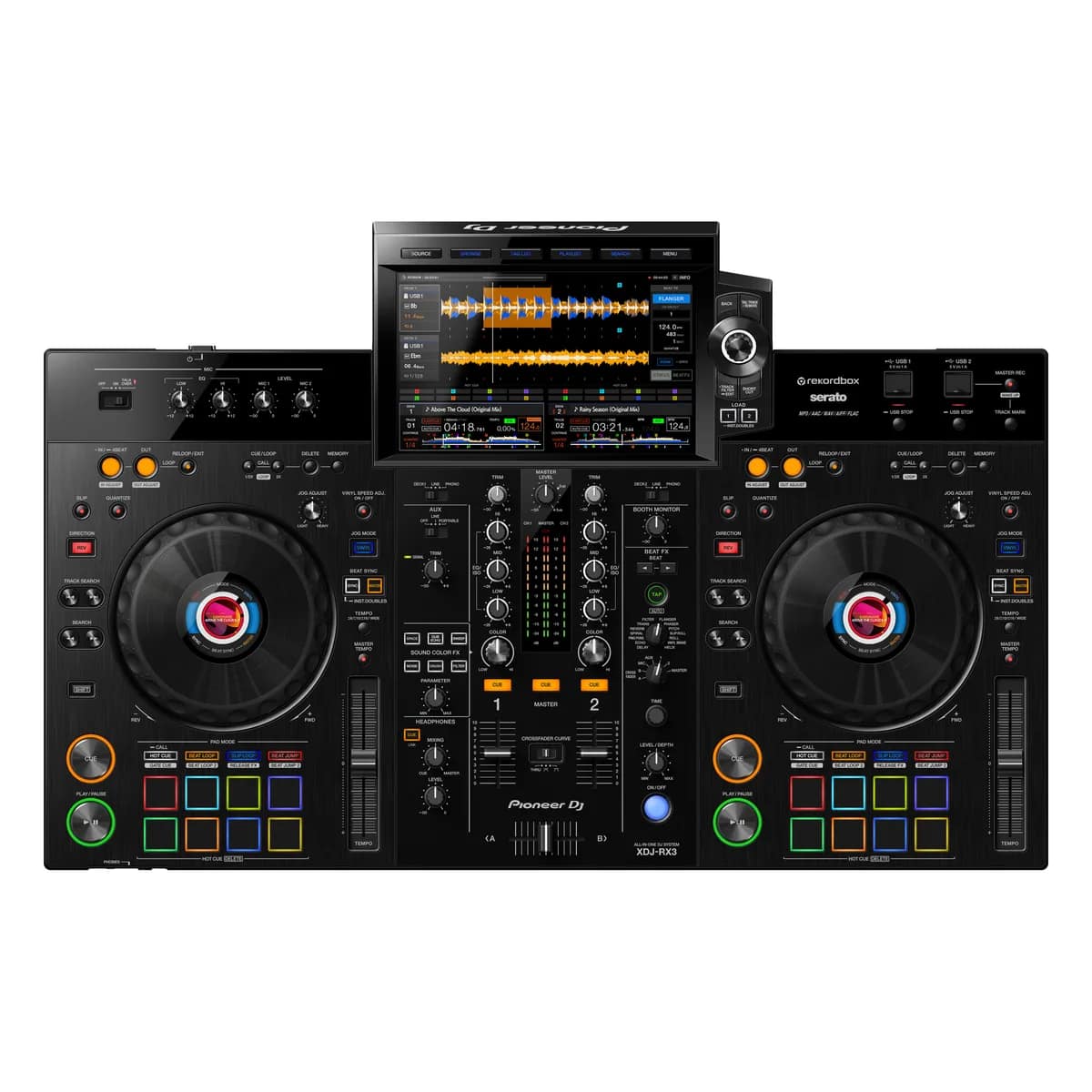 CC0 · Wikimedia CommonsDJ & sound system
Pioneer XDJ-RX3: quick guide for beginners
The Pioneer XDJ-RX3 is one of those pieces of equipment that democratizes DJ mixing: a single box brings together two turntables, […]
5 min read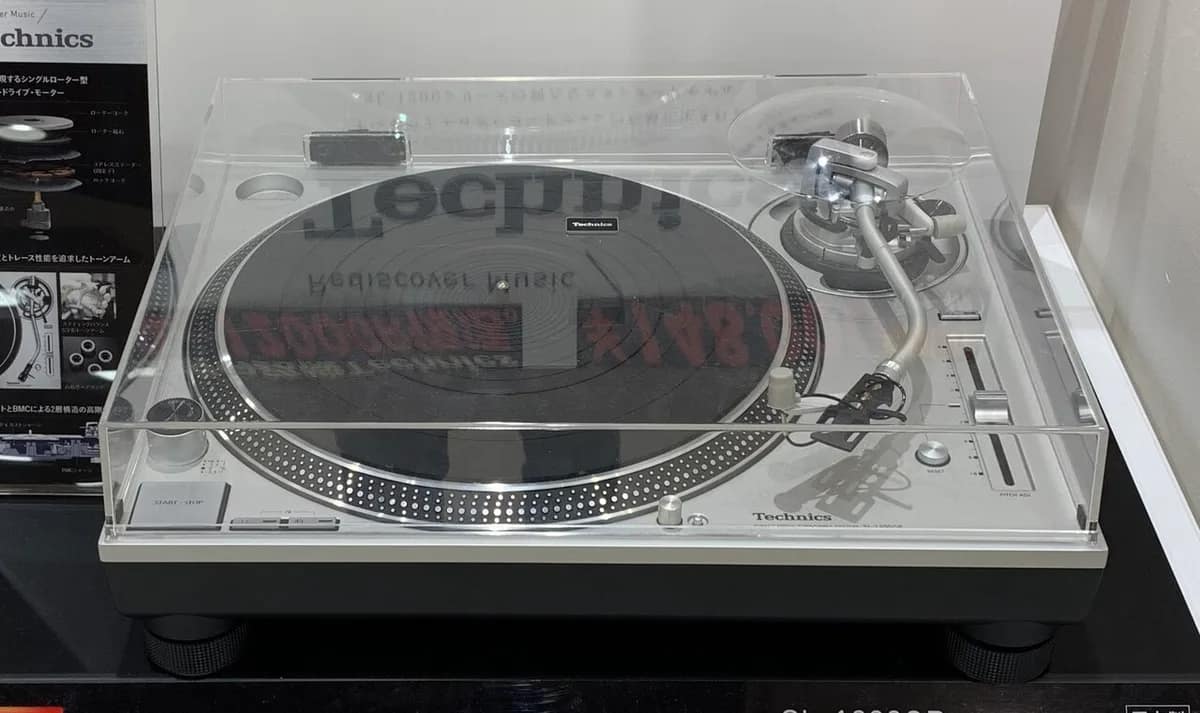 CC0 · Wikimedia CommonsDJ & sound system
The 10 essential pieces to test your turntables Technics
Getting your hands on a pair of Technics SL-1210 MK2 turntables means treating yourself to one of the most legendary instruments […]
4 min read